


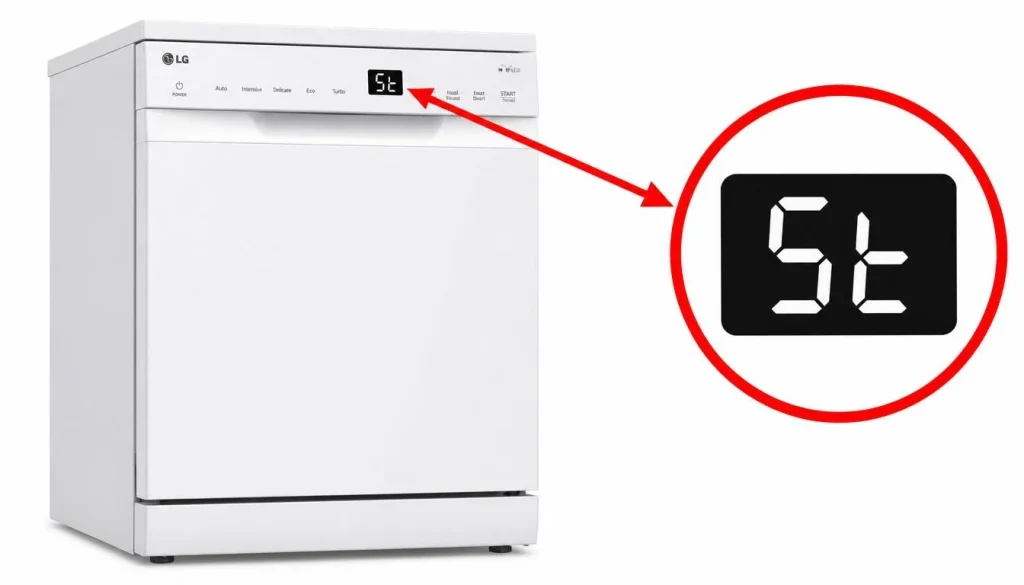
LG Dishwasher St Code: Notification, Not an Error
The LG dishwasher St code is widely misread as a fault because it appears on the same display that shows genuine error codes. In most documented cases, it is not an error at all. LG’s official support documentation for the UV sterilization feature states that when “St” appears on the display, it means the UV sterilization function is in progress after washing and drying have been completed, and that this is not an error. The same message appears in LG owner’s manuals, which describe “St” as meaning Sanitary: an additional sanitary cycle using the UV function.
The LG dishwasher St code therefore belongs to the category of notification codes, not error codes. It tells the user that a specific feature is active or that a particular stage of the cycle is running. This distinction matters because the response is different from the response to a genuine fault. There is no filter to clean, no hose to check, and no part to replace. The machine is reporting a state, and the user’s job is to identify which state it is reporting on their model.
The complication is that “St” carries more than one meaning across LG’s dishwasher range and across repair literature. The same two letters can indicate UV sterilization, a Sanitary cycle, a Self Test mode, or a software-update prompt, depending on the model and the context. This article explains each documented meaning, how to tell which one applies, what the LG error code guides do and do not cover, and the circumstances in which the display warrants attention rather than reassurance.
?What Does the LG Dishwasher St Code Mean
The LG dishwasher St code is a notification, not an error, in its primary documented meaning. LG’s Korean support page states that when “St” appears on the display, it means the UV sterilization function is in progress after washing and drying are complete, and that it is not an error. LG’s dishwasher manuals describe the same code as “Sanitary,” an additional sanitary cycle using the UV function that runs for 4 hours and can be cancelled at any time by turning the power off.
Appliance repair references corroborate the notification interpretation. Appliance Tech Info describes the St code as a Sterilization notification: the program is finished and the sterilization cycle has started, and the UV lamp will be on for 25 minutes. Techno Poshtiban lists St among codes that indicate “the status of a feature or operating condition” on some models, alongside CL, PF, and Cd.
The LG dishwasher St code is therefore best understood as a status display. It appears at the end of a cycle when a UV or sanitary function has been selected, and it remains while that function runs. It does not indicate a failed component, a water problem, or a drainage problem.
The UV Sterilization Meaning
The most fully documented meaning of the LG dishwasher St code is UV sterilization. LG’s Korean support page explains that the code appears when the UV sterilization function has been selected, after washing and drying are complete, while the UV sterilization is in progress. LG’s manuals add the operational details: the cycle runs for 4 hours and can be cancelled at any time by turning the power off.
A separate LG manual describes the UV feature in practical terms: if you want to sterilize the dishes, press the UV button, and after the drying cycle the sterilizer is performed by the UV lamp, at which time the St code is displayed in the display window. The manual adds that when you open the door of the dishwasher, the UV lamp is turned off.
This meaning explains the most common St display: the user selected a UV or sterilization option, the wash and dry phases completed, and the machine is now running the UV lamp. The LG dishwasher St code is the visible confirmation of that stage. It is not a fault, and it resolves when the UV cycle ends or when the user turns the power off.
The Sanitary Cycle Meaning
A closely related meaning appears in LG owner’s manuals that describe “St” as Sanitary. The manual for the LG LD-1420 series states that “St” means Sanitary, and that this is an additional sanitary cycle using the UV function, running for 4 hours and cancellable at any time by turning the power off. The manual explicitly adds: “This is not an error code.”
The Sanitary meaning and the UV meaning describe the same underlying feature from slightly different angles. Sanitary is the cycle name; UV is the technology that performs it. On models where the sanitary option is selected, the display shows St while the sanitary UV stage runs. The LG dishwasher St code is therefore the same notification whether the user thinks of it as “Sanitary” or “UV sterilization.”
The Self Test Meaning
A different interpretation appears in repair literature. Faranservice states that the LG dishwasher St code usually means that the Self Test or automatic test mode is active, and that this mode is designed for technicians to check component operation and should not be active in everyday use. The site describes a simple reset: turn the device off and unplug it, wait one minute, plug it back in, and turn it on.
This interpretation is not confirmed by LG’s official documentation for the St code, and it appears alongside other repair references that assign different letters to test mode. LG owner’s manuals describe test mode using a different format: a display showing “N:#, U:#, d:#, t#” with a number, accompanied by the explicit note that this is not an error code and is used when testing the dishwasher. Powering the unit off and on makes the code disappear.
The Self Test interpretation of the LG dishwasher St code should therefore be treated as a repair-source reading rather than LG’s official assignment. It becomes relevant if the St display appears without a UV or sanitary cycle having been selected, and if the machine will not run a normal cycle. In that scenario, the reset described by the repair source is a reasonable first step.
The Software Update Prompt Meaning
A third repair-source interpretation describes the LG dishwasher St code as a prompt related to a software update. FixLogs states that the St code is often simply the machine waiting for the user to confirm a software update via the phone screen, and describes a button-hold sequence involving the Temp Rinse button or the button with the Smart Diagnosis icon for 3 to 5 seconds.
This interpretation is model-specific and appears in repair guidance rather than in LG’s official St documentation. It is useful as a possibility when the St display coincides with an app connection or an update notification, but it should not be treated as the default explanation. The LG dishwasher St code in LG’s own documentation is tied to the UV or Sanitary function, not to software updates.
What the LG Error Code Guides Cover
The two LG error code guides supplied for this article are general dishwasher error code references, and their rendered content focuses on other codes. The LG Australia guide covers FE/AE(RE), IE, OE, and other codes, and the LG USA guide covers the same set. Neither guide’s rendered content includes a dedicated St entry in the sections that display FE, IE, and OE.
This does not mean the St code is undocumented by LG. LG’s Korean support page and LG’s owner’s manuals document it directly, as described above. It means that the general error code guides are not the authoritative source for St, and that a user who searches only those guides may not find the code explained. The LG dishwasher St code is documented in the feature-specific and model-specific LG literature, which is where the UV and Sanitary explanations reside.
LG’s general guides do include a relevant note: the display may show codes to alert the user of an operational error or the activation of a specific feature, and error and notification codes can differ depending on the product model. This note applies directly to the LG dishwasher St code, which is a feature-activation notification rather than an operational error, and which varies by model.
How to Tell Which Meaning Applies
The distinguishing signal for the LG dishwasher St code is what the machine was doing when the code appeared and what it does afterward.
If the user selected a UV, sterilization, or sanitary option, and the code appears after washing and drying are complete, the UV or Sanitary meaning applies. The machine is running the UV lamp, the cycle will end on its own or when the power is turned off, and the door opening turns the lamp off. This is the most common scenario and the one LG documents.
If the code appears without any UV or sanitary option having been selected, and the dishwasher will not start a normal cycle, the Self Test or mode-related interpretation becomes relevant. A power reset—unplugging for about a minute—is the reasonable first step, as described by the repair source.
If the code appears in connection with a smart-diagnosis or app session, the software-update prompt interpretation is possible, and the button-hold sequence described by FixLogs may apply.
If the code appears alongside a genuine fault symptom—no water, no drainage, no heat, or a motor noise—then the St display is not the relevant code. The machine may be showing a notification at the same time as a separate fault, and the fault code should be identified and addressed on its own terms. The LG dishwasher St code does not describe water, drainage, heating, or motor conditions.
What the User Should Not Do
Because the LG dishwasher St code is a notification in its documented meanings, the user should avoid treating it as a fault code. Cleaning the drain filter, straightening the drain hose, checking the water inlet valve, or adjusting the detergent does not address St. Those actions belong to codes such as OE, IE, FE, and bE.
The user should also avoid disassembling the machine for St. LG’s documentation does not describe a component-level repair for St, because the code reports a feature state rather than a failed part. If the code persists after the UV or sanitary cycle should have ended, or if the machine will not run a normal cycle, the appropriate next step is a reset and, if that fails, LG support rather than internal access.
Quick Reference Table
| Situation | Likely Meaning | What To Do |
|---|---|---|
| St appears after washing and drying, UV or sanitary option selected | UV sterilization or Sanitary cycle is running | Allow the cycle to finish or turn the power off |
| St appears and the door is opened | UV lamp turns off when the door opens | Close the door if the cycle should continue |
| St appears with no UV or sanitary option selected | Self Test or mode-related state | Unplug for about one minute, then restart |
| St appears during an app or Smart Diagnosis session | Possible software-update prompt | Check the app and follow the on-screen confirmation |
| St appears alongside a water, drain, or heat symptom | A separate fault code may be involved | Identify and address the actual fault code |
| St persists after the UV cycle should have ended | Cycle may not have completed as expected | Reset and contact LG support if it persists |
| St appears with a code such as OE, IE, or FE | St is not the relevant code | Address the fault code, not St |
Frequently Asked Questions
?Is the LG dishwasher St code an error
In its primary documented meaning, no. LG’s support page states that St indicates the UV sterilization function is in progress and that it is not an error. LG’s manuals describe St as Sanitary and add explicitly that it is not an error code.
?What does St mean on an LG dishwasher
It most commonly means that UV sterilization or a Sanitary cycle is running. LG’s documentation describes it as a notification that the UV function is in progress after washing and drying are complete.
?How long does the St code last
LG’s manual states that the sanitary UV cycle runs for 4 hours and can be cancelled at any time by turning the power off. Appliance Tech Info describes the UV lamp as being on for 25 minutes in the sterilization notification.
?Can I cancel the St cycle
LG’s manual states that the cycle can be cancelled at any time by turning the power off. Opening the door turns the UV lamp off.
?Why does St appear when I did not select UV or Sanitary
In that case, the Self Test or mode-related interpretation may apply. Repair guidance describes a reset: turn the device off, unplug it, wait one minute, plug it back in, and turn it on.
?Is St the same as a test mode code
Not according to LG’s manuals, which describe test mode using a different format such as N:#, U:#, d:#, or t#, and state that this is not an error code. The Self Test reading of St comes from repair literature, not from LG’s St documentation.
?Could St be a software update prompt
Repair guidance describes that possibility in some cases, with a button-hold sequence to confirm. It is a repair-source interpretation and should be considered only when the St display coincides with an app or update session.
?Does St mean the dishwasher is broken
No, not in its documented meanings. St reports a feature state. It only becomes a concern if it persists after the relevant cycle should have ended, or if the machine will not run a normal cycle.
?Why is St not listed in the LG error code guide
LG’s general error code guides focus on operational error codes, and their rendered content does not include a dedicated St entry. LG documents St in its feature-specific and model-specific literature, including the UV sterilization support page and the owner’s manuals.
?Should I clean the filter or check the drain hose for St
No. St is not a water or drainage code. Filter cleaning and hose checks belong to codes such as OE, IE, and FE, not to St.
?When should I contact LG support about St
Contact LG support if St persists after the UV or sanitary cycle should have ended, if the machine will not run a normal cycle after a power reset, or if St appears alongside a separate fault symptom that has its own code.
When the St Display Warrants Attention
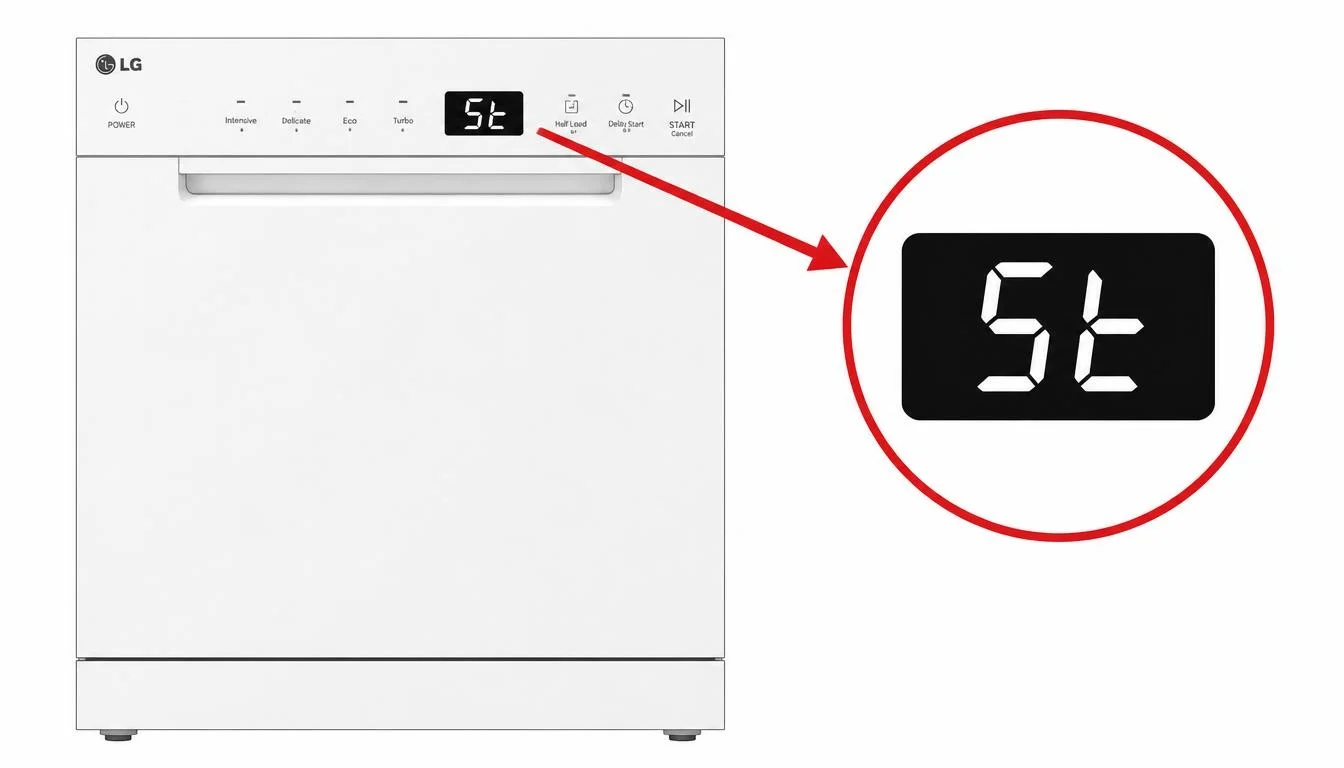
The LG dishwasher St code normally resolves on its own or when the power is turned off. There are, however, circumstances in which the display warrants attention rather than reassurance.
The first is a St code that persists well beyond the expected duration of the UV or sanitary cycle. If the cycle should have ended and the code remains, the machine may not be completing the cycle as designed. A power reset is the reasonable first step, and LG support is the appropriate next step if the code returns.
The second is a St code that appears without any UV or sanitary selection and prevents a normal cycle from starting. In that case, the Self Test or mode-related interpretation becomes relevant, and the reset described by repair guidance is the documented first step. If the reset does not restore normal operation, service is warranted.
The third is a St display accompanied by a genuine fault symptom. If the dishes are not clean, the water is not draining, or the machine is not heating, the St code is not the explanation. A separate fault code may be present, and that code should be identified and addressed.
In each of these cases, the LG dishwasher St code is not itself the fault. It is either a notification that has overstayed, a mode state that has not cleared, or a secondary display accompanying a different condition. The response follows the underlying condition, not the letters St.
