


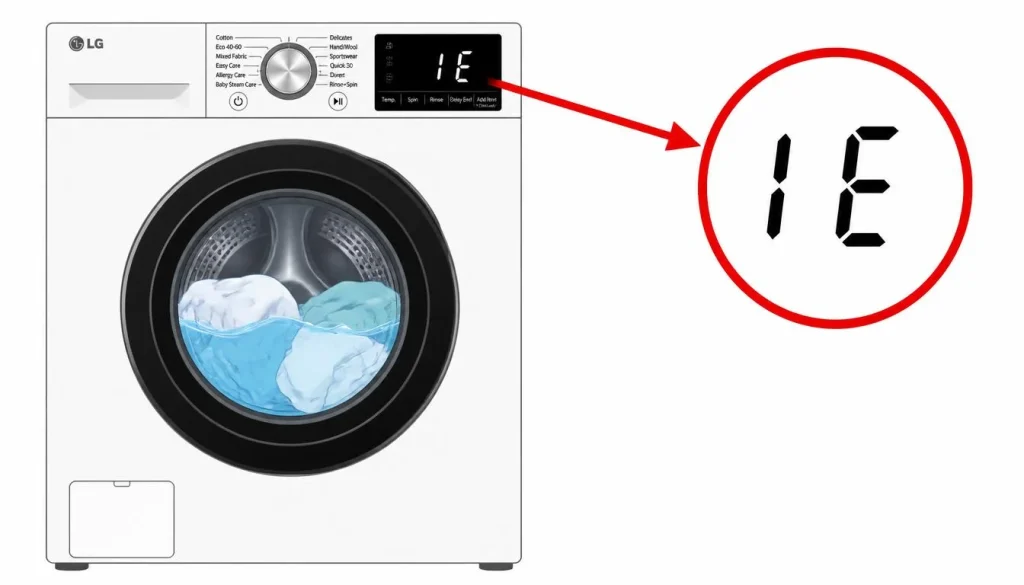
LG Washer IE Error: Causes and Solutions
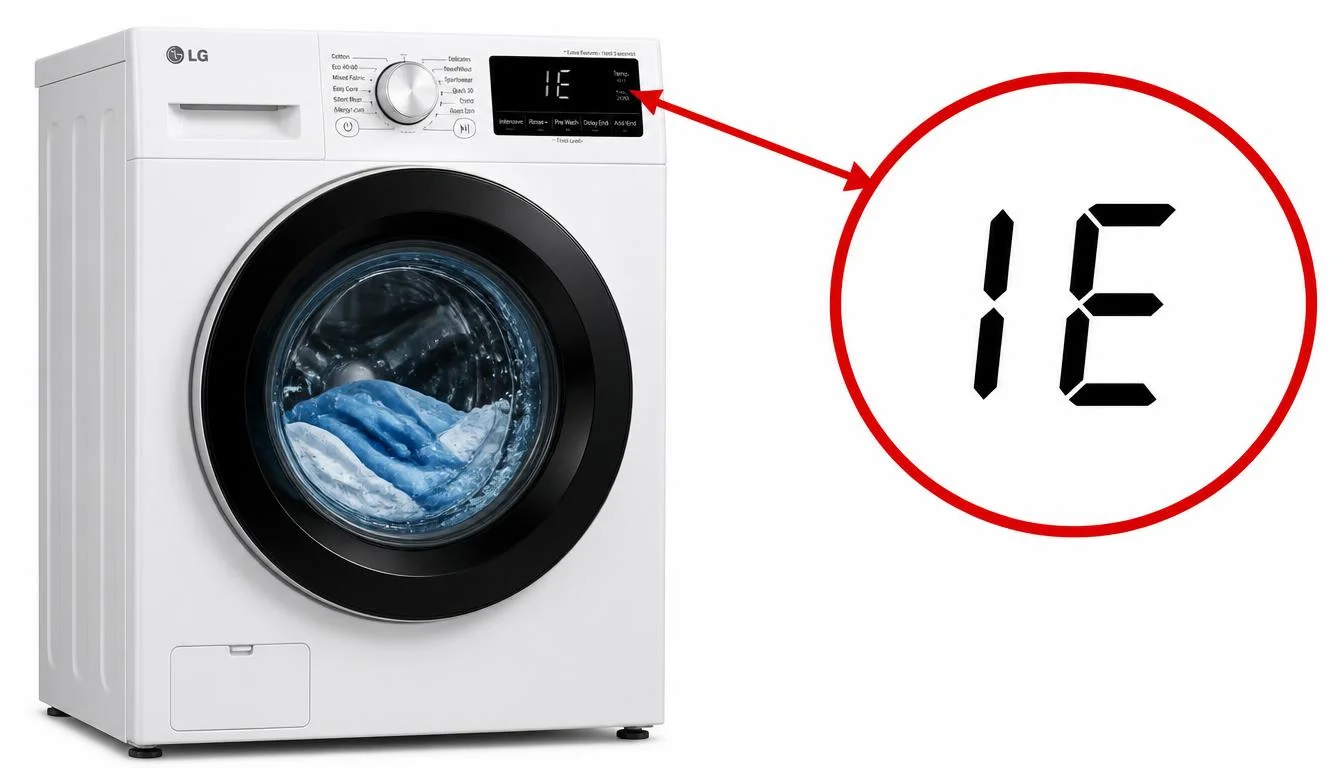
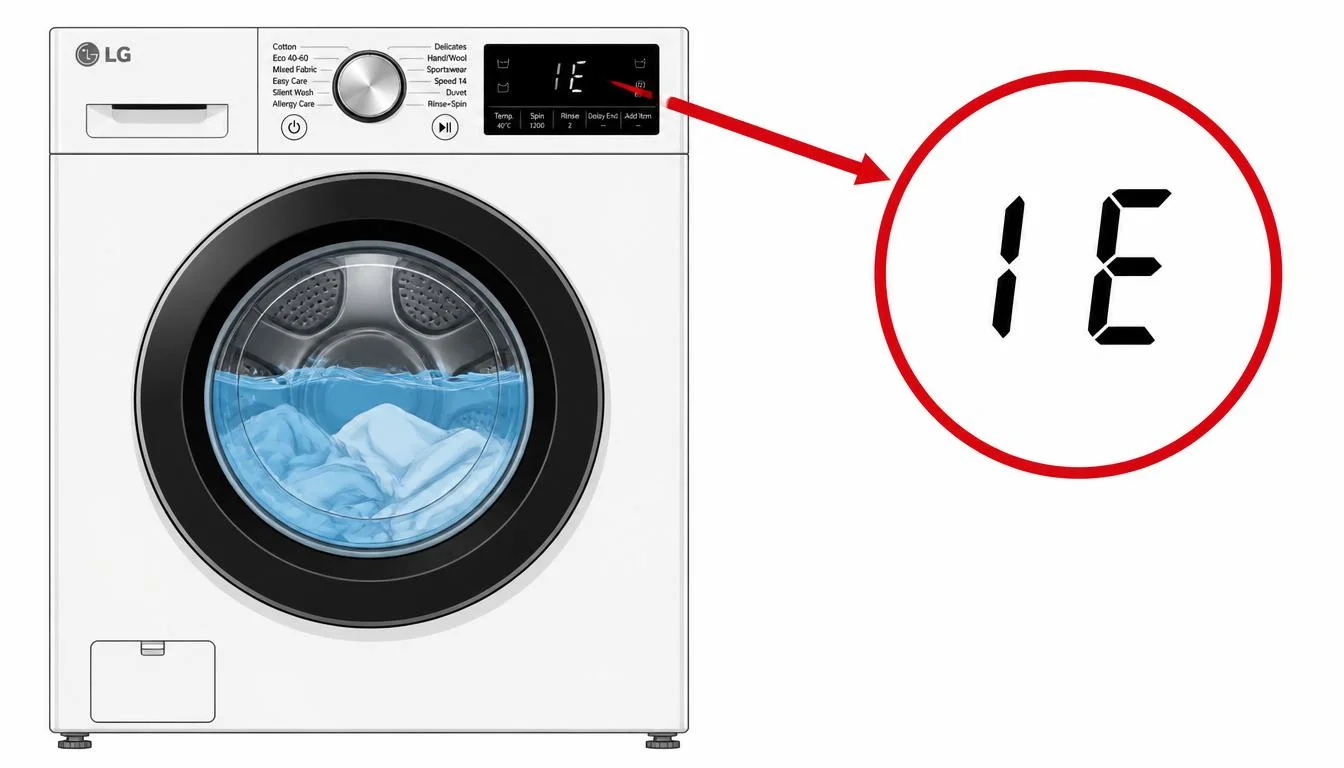
When an LG washer IE error appears on the display panel, the washing machine is reporting that it cannot fill the tub with water. The letters “IE” stand for Water Inlet Error, and they appear when the washer has attempted to fill the drum but has failed to reach an adequate water level within a specified period . For many models, this period is approximately eight minutes . If the tub does not contain sufficient water after that time, the LG washer IE error appears on the display, and the cycle cannot proceed .
This is one of the most common error codes reported by LG washer owners, and it can be caused by a range of issues, from a simple closed faucet to a frozen water supply line. The good news is that the LG washer IE error has identifiable causes and a clear set of troubleshooting steps recommended by LG. In many cases, the issue can be resolved without a service call. This article explains exactly what the LG washer IE error means, what conditions trigger it, and the step-by-step procedures LG recommends to clear it. It covers front-load and top-load models, because the meaning of the code is consistent across LG washer types. All information presented here is drawn from LG’s official troubleshooting documentation
?What Does the LG Washer IE Error Mean
The LG washer IE error indicates that the washing machine was unable to fill with water . More specifically, the error occurs if the water fails to fill the tub to an adequate level in a specified period . The machine has opened its water inlet valve, has waited for the drum to fill, and has detected that the water level has not reached the required point within the programmed time limit. At that moment, the LG washer IE error appears on the display, and the washer pauses or stops the cycle.
For front-load models, LG describes the same condition as the “No Water Supply” error, and the display may show [IE] along with this message . For top-load models, the error code list confirms that [IE] may be displayed if the drum is not filled to a certain level . In all cases, the underlying meaning is the same: the washer is not receiving water as it should.
This is not a code that appears randomly. It is a direct response to a detected water supply failure. The machine has attempted to fill the tub, has been unable to do so within its programmed time limit, and is now alerting the user that intervention is required before the cycle can continue.
Causes of the LG Washer IE Error
LG’s documentation identifies three primary causes for the LG washer IE error. These are the conditions that most commonly prevent water from reaching the tub.
The first cause is that water is cut off, the faucet is turned off, or the water supply hose is not connected . This is the simplest and most common reason for the error. If the building is experiencing a water outage, if the faucet that supplies the washer has been closed, or if the inlet hose has become disconnected from the faucet or the machine, the washer cannot receive water, and the LG washer IE error will appear.
The second cause is that the water supply hose is pressed or bent . The hose that carries water from the faucet to the washing machine can become kinked, pinched, or compressed. This can happen if the washer is pushed too close to the wall behind it, compressing the hose and preventing water from flowing freely. It can also happen over time as the machine vibrates during wash and spin cycles, causing the hose to shift and bend . When the hose is bent or pressed, water flow is blocked, and the washer cannot fill properly .
The third cause is that the water supply hose is frozen because of cold weather . In freezing temperatures, the water inside the supply hose or the faucet itself can freeze solid. When this happens, water cannot pass through the hose or out of the faucet, and the LG washer IE error will appear . LG notes that during cold and freezing weather conditions, an IE error code could mean the water in the water supply lines is frozen .
In addition to these three primary causes, LG documentation also identifies a clogged water supply filter as a contributing factor. Over time, the inlet filters can become clogged, slowing water flow and preventing the washer from filling properly . If the water supply hose filter is clogged by foreign objects, the water supply may be weak or there may be no water supply at all . LG also notes that if there is no hot water, the boiler may not be operating normally, and for apartment residents, the hot water supply should be checked . Finally, if the drain hose is installed deeper than 4 inches (10 cm) into the drainpipe, it can cause a siphoning action to occur as the washer fills up, which may also contribute to filling problems .
Step-by-Step Troubleshooting for the LG Washer IE Error
LG provides a clear sequence of troubleshooting steps for the LG washer IE error. These steps are designed to be performed in order, starting with the simplest and most common causes.
Step 1: Check the Water Supply and Faucet
The first recommended action is to check that the water supply hose is connected to the faucet and that the faucet is properly open . If the water supply hose is connected, check whether the faucet is properly open. If it is closed, turn the faucet anti-clockwise to open it . Turn on the faucet to which the water supply hose of the washing machine is connected by turning it counterclockwise . LG notes that if you have moved recently, had your boiler repaired, or changed the location of the machine, it is often the case that the faucet is turned off . It is important to be aware that even if the machine is still under warranty, service costs for an IE error caused by water shut-off or a faucet being turned off will be charged, as it is not a visit or service by a service technician due to a fault with the product .
Step 2: Check the Water Supply Hoses
If the faucet is open and water is available, the next step is to inspect the water supply hoses. LG recommends checking for kinks or damage, and straightening out any kinks that may be in the water lines . Washing and spinning operations may cause the washing machine to move slightly due to vibration, which may cause the water supply hose to become bent . Unfold the water supply hose to ensure good water flow inside the hose . If the hose is severely bent, turning off the faucet, separating it from the washing machine and unfolding it well could be a solution .
LG also notes that the cold and hot water supply hoses may be reversed. The hot water hose should be connected to the hot water valve, and the cold water hose should be connected to the cold water valve . If the inlet hoses are damaged, they will need to be replaced, and replacement inlet hoses can be ordered via LG’s Parts & Accessories page .
Step 3: Thaw Frozen Components in Cold Weather
If the error occurs during winter or in freezing conditions, the water supply hose or the faucet may be frozen . If the drainage hose or the faucet is frozen, water cannot get into the tub . In that case, first check if the faucet is frozen. Disconnect the water supply hose from the washing machine and open the faucet to check whether water comes out .
If no water comes out, soak a towel with hot water, and then wrap it around the faucet for 5 minutes to thaw the faucet . Thaw the disconnected water supply hose with warm water of 50ºC or lower . Reconnect the water supply hose to the washing machine when it is completely free of ice . LG notes that once the temperature increases above freezing, the water supply will resume .
Step 4: Clean the Water Supply Filters
If the faucet is open, the hoses are not kinked, and the components are not frozen, the next step is to clean the water supply filters. Over time, the inlet filters can become clogged, slowing water flow and preventing the washer from filling properly . LG provides specific instructions for cleaning these filters.
First, turn off the water faucet and disconnect the power cord . Detach the water supply hose connected to the washing machine by turning it to the left (counterclockwise), and remove the filter from inside using pliers or your fingers . Clean the water supply filter with a toothbrush under running water to remove foreign objects such as water stains, rust, sand, or stones . Make sure to reassemble the filter before reconnecting the water supply hose . Periodically cleaning the inlet filters can prevent sediment buildup and keep the water flowing properly .
Step 5: Confirm the Drain Hose Is Installed Properly
LG also recommends confirming that the drain hose is installed properly. If the drain hose is installed deeper than 4 inches (10 cm) into the drainpipe, it will cause a siphoning action to occur as the washer fills up . Secure the drain hose so that it will not be disconnected from the drain hole. Do not install the drain hose too high, or so that it is bent or blocked. Do not perforate or damage the drain hose .
LG notes that if the drain hose fixing holder in the back is removed, the height of the drain hose becomes lower than the water level in the drum, and the water is drained naturally, which can interfere with proper filling . Ensuring the drain hose is correctly positioned helps maintain proper water levels during the fill cycle.
Quick Reference Table
| Situation | What It Means | What To Do |
|---|---|---|
| LG washer IE error appears | Washer cannot fill with water | Begin troubleshooting immediately |
| Error persists for approximately 8 minutes | Fill timeout triggered | Check water supply and faucet first |
| Faucet closed or water shut off | No water reaching the washer | Open faucet by turning counterclockwise |
| Water supply hose bent or pressed | Water flow blocked | Straighten or unfold the hose |
| Hose or faucet frozen | Ice blocks water flow | Thaw with hot towel (5 minutes) and warm water (below 50°C) |
| Inlet filter clogged | Debris slows or blocks water flow | Remove filter and clean with toothbrush |
| Drain hose too deep in drainpipe | Siphoning action occurs | Ensure drain hose is not deeper than 4 inches (10 cm) |
| IE error returns after all steps | Inlet valve may be malfunctioning | Service is required |
Frequently Asked Questions
?What does the LG washer IE error mean
The IE error stands for Water Inlet Error. It occurs if the water fails to fill the tub to an adequate level in a specified period . For many models, if there is not sufficient water in the tub after approximately 8 minutes, [IE] will appear on the display .
?What causes the LG washer IE error
?LG identifies three primary causes: water is cut off, the faucet is turned off, or the water supply hose is not connected; the water supply hose is pressed or bent; and the water supply hose is frozen because of cold weather . A clogged inlet filter can also contribute to the error .
?How do I check the water supply hose for the LG washer IE error
Pull the washer away from the wall and check that the water supply hose is not bent, clogged, or pinched . Unfold the hose to ensure good water flow. If the hose is severely bent, turn off the faucet, separate it from the washing machine, and unfold it .
?What should I do if the water supply hose is frozen
Disconnect the water supply hose from the washing machine and open the faucet to check whether water comes out. If no water comes out, soak a towel with hot water and wrap it around the faucet for 5 minutes. Thaw the disconnected water supply hose with warm water of 50ºC or lower .
?How do I clean the water supply filter
Turn off the faucet and disconnect the power cord. Detach the water supply hose by turning it counterclockwise, and remove the filter using pliers. Clean the filter with a toothbrush under running water to remove rust, sand, and other debris .
?Can a drain hose cause the LG washer IE error
Yes. If the drain hose is installed deeper than 4 inches (10 cm) into the drainpipe, it can cause a siphoning action as the washer fills, which may interfere with proper filling .
?What if the LG washer IE error does not clear after these steps
If the error persists after checking the faucet, hoses, frozen components, and filters, the inlet valve may be malfunctioning. LG advises reaching out to an LG service center or requesting a repair .
When the LG Washer IE Error Requires Service
The troubleshooting steps provided by LG address the most common causes of the LG washer IE error. However, if you have checked the water supply, ensured the faucet is fully open, straightened any kinks in the inlet hoses, thawed frozen components, cleaned the inlet filters, and confirmed the drain hose is properly installed, and the LG washer IE error still appears, the problem may be more complex.
If the following method does not solve the issue, there may be a malfunction in the water supply valve . LG advises that if the issue persists after following the steps, the inlet valve may be malfunctioning, and you should reach out to an LG service center . In such cases, the water supply valve or solenoid may have failed, and professional diagnosis and repair are required.
It is important not to continue running cycles repeatedly when the LG washer IE error persists. Continued operation with a water supply failure can lead to strain on the inlet valve and further complications. Addressing the issue promptly protects both the appliance and your home.
Preventing the LG Washer IE Error
While the LG washer IE error cannot always be prevented, certain habits reduce the likelihood of its occurrence. Keeping the area behind the washer clear so that the water supply hoses are not compressed or pinched helps maintain proper water flow. Periodically checking and cleaning the inlet filters prevents the accumulation of sediment, rust, and debris that can slow water flow . Ensuring the drain hose is installed at the correct depth prevents siphoning that can interfere with filling .
During cold weather, taking steps to protect the water supply lines from freezing can prevent the LG washer IE error from occurring. LG notes that if the water pipes or inlet hose are frozen, the error may appear, and thawing the components restores function . By following these preventive practices, you can reduce the chance of encountering the LG washer IE error and help ensure that your washing machine fills properly cycle after cycle.
