


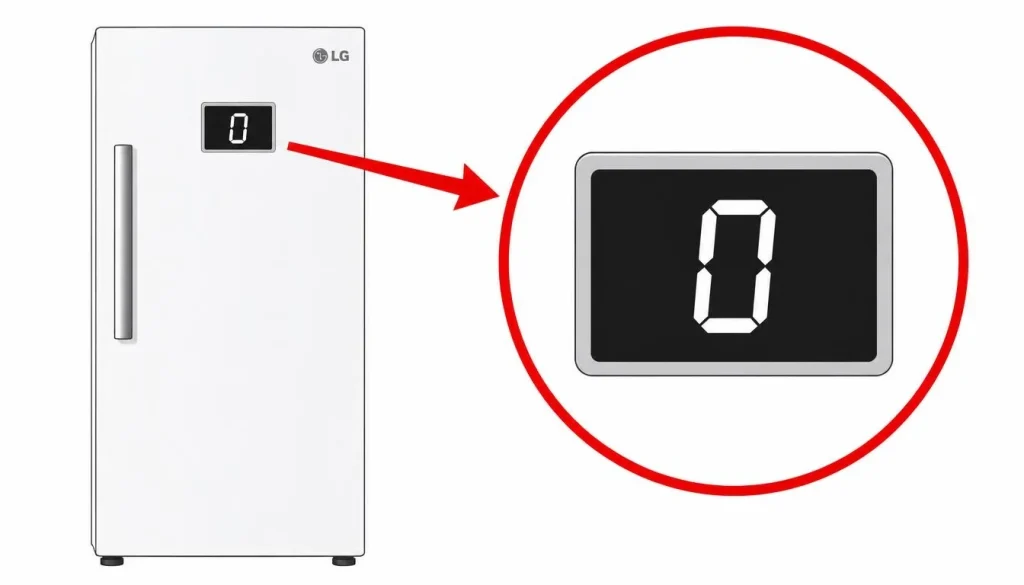
LG Refrigerator o Error: CO, Od, and OFF Explained
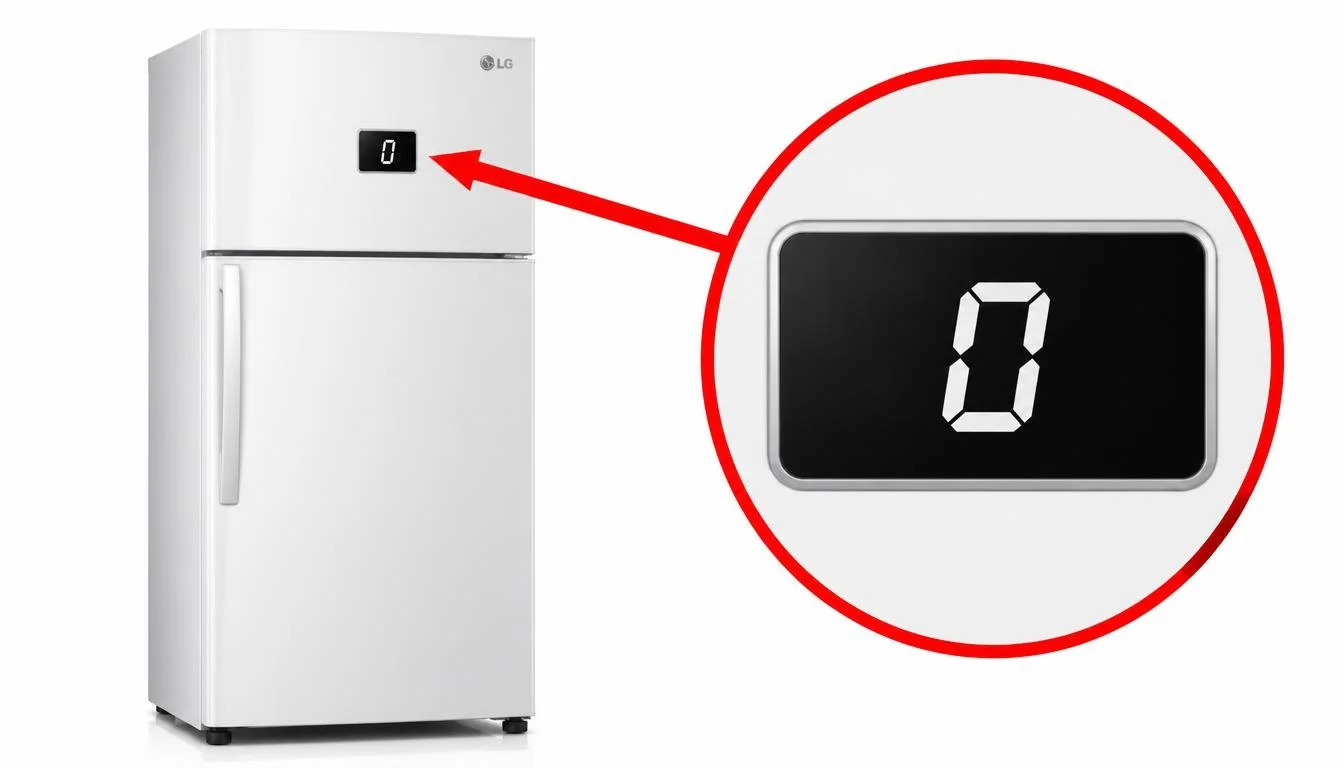
When a letter O appears on an LG refrigerator display, it does not represent a single fault. It belongs to three distinct codes that share the same letter but describe entirely different conditions: CO (a communication failure between the main board and the display), Od (a Wi-Fi modem communication error), and OFF (the demo or display mode, which is not a fault at all). LG’s official documentation lists CO and Od among the error codes that appear when the refrigerator detects a problem with an internal component, such as a faulty component, a control circuit issue, or a disconnected wire. The OFF code, by contrast, is described in LG’s separate demo-mode documentation as a sign that the unit has been placed in a retail display mode, not a malfunction.
The LG refrigerator o error is therefore a family of codes rather than a single diagnosis. A user who sees a lone O, or a code beginning with O, cannot assume that one specific part has failed. The correct response depends on which of the three codes is actually displayed, and LG’s documentation treats each one differently: CO and Od follow the reset-then-service path for internal faults, while OFF follows the button-sequence procedure that exits demo mode.
This article explains each of the three codes, how to identify which one is on the display, the reset procedure that applies to the fault codes, the demo-mode exit procedure for OFF, the safety warnings that accompany the fault codes, the observations that help a service call, and the circumstances in which the refrigerator requires professional service. All information is drawn from LG’s official support documentation, with repair guidance clearly identified where it adds context.
The Three Codes That Begin With O
The LG refrigerator o error is not a single entry in LG’s error library. It is three separate codes that a user may encounter as a lone O, as part of a longer string, or as a word.
CO is a communication error between the main board and the display PCB. LG states that a CO appears on the display if communication between the main board and the display PCB is not available, and that the failure may be caused by the main board, the display PCB, or a wire disconnection. The code appears as CO, E CO, or ER(E) CO, and it is classified as a communication error code that requires a product inspection.
Od is a Wi-Fi modem communication error. LG’s error code list includes Od among the codes that appear when the refrigerator detects an internal component problem. Repair guidance describes Od as a communication error between the display PCB and the wireless (Wi-Fi) modem, and notes that the possible causes include a defective display PCB, a defective wireless modem, or a wiring issue between them.
OFF is not an error at all. LG’s demo-mode documentation states that if the control panel displays O F F, the unit is in DEMO MODE or DISPLAY MODE. The refrigerator is not malfunctioning; it has been set to a retail display state that disables cooling, and the code is a notification rather than a fault.
The practical implication is that a user who sees an O must first determine which of these three codes is present. The display format, the accompanying symptoms, and the model’s documentation are the tools that resolve the ambiguity.
CO: Communication Failure Between the Boards
The CO variant of the LG refrigerator o error is the most fully documented of the three. LG’s US support page states that a CO appears if communication between the main board and the display PCB is not available, and that the failure may be caused by the main board or display PCB failure, as well as possible wire disconnection. The page classifies the code as a communication error that requires a product inspection, and it notes that the inspection code may be caused by a temporary error as a result of an unstable power supply or other electrical factors.
The Korean LG page uses the same definition and adds the display formats: the code may appear as CO, E CO, or ER(E) CO, and it is a communication error code that requires an inspection. The page also states that the failure may be caused by a main board or display PCB failure, or by a disconnected wire, and that the refrigerator must be checked by an LG service technician.
The practical meaning is that the two boards that coordinate the refrigerator’s operation are no longer exchanging data. The refrigerator may still cool, and the compartments may still hold temperature, but the display cannot report settings or accept commands reliably. The LG refrigerator o error in its CO form is a link failure, not a cooling failure, and its resolution follows the communication path rather than the compressor or refrigerant path.
Od: Wi-Fi Modem Communication Error
The Od variant of the LG refrigerator o error is a Wi-Fi communication fault. LG’s error code list includes Od among the internal-component codes, and repair guidance describes it as a communication error between the display PCB and the wireless (Wi-Fi) modem.
The possible causes of Od follow the same pattern as CO but on a different link. Repair guidance identifies a defective display PCB, a defective wireless modem, and a wiring issue between the display PCB and the modem as the causes. The service manual for LG’s LF29H8330 series lists “Defect of Wi-Fi modem” and “Communication error between display MICOM and Wi-Fi” among the error generation factors for Od, and it notes that the code can also be triggered by poor communication between the transmit and receive lines.
The practical consequence of Od is a loss of Wi-Fi connectivity and smart features rather than a loss of cooling. The refrigerator’s core function is not directly implicated, but the code indicates that the modem or the link to it has failed, and the resolution follows the Wi-Fi module’s service path.
OFF: Demo Mode, Not a Fault
The OFF variant of the LG refrigerator o error is fundamentally different from CO and Od. LG’s demo-mode documentation states that if the control panel displays O F F, the unit is in DEMO MODE or DISPLAY MODE. The refrigerator is not malfunctioning. It has been set to a retail display state that disables cooling, and the code is a notification rather than an error.
Repair guidance reinforces the point: OFF is described as demo mode, not a fault at all. The refrigerator may appear to be running, but the cooling system is disabled to conserve energy while the unit is on a showroom floor. The compartments will warm, and food should not be stored in the refrigerator while it is in this state.
The exit procedure for OFF is a button sequence, not a reset or a service call. LG’s documentation states that with either refrigerator door open, the user should press and hold the REFRIGERATOR and ICE PLUS buttons at the same time for about five seconds, and that a beep will confirm the change. The display should then show the internal temperature instead of OFF, and cooling resumes.
The Reset Procedure for CO and Od
For the CO and Od variants of the LG refrigerator o error, LG’s documented first step is a power reset. The procedure is to unplug the refrigerator from the wall outlet, wait about 5 minutes, plug it back in, and check whether the error code has cleared. The Korean page gives the same instruction: unplug the power cord or trip the dedicated circuit breaker, and reuse the refrigerator after about 5 minutes.
The purpose of the 5-minute wait is to allow the control board and the communication modules to discharge and re-initialize. If the code was caused by the temporary power or electrical condition that LG describes, the reset may clear it and the refrigerator may return to normal operation.
The reset is diagnostic as well as corrective. If the LG refrigerator o error clears and does not return, the cause was likely transient. If the code returns after the reset, a persistent condition is present, and LG’s instruction is to stop using the refrigerator and contact LG Customer Support for service. The reset should not be repeated indefinitely; one reset is the documented step, and a returning code requires diagnosis rather than another reset.
What to Do If the Reset Does Not Clear the Code
If the LG refrigerator o error in its CO or Od form returns after the 5-minute reset, LG’s guidance is to contact LG Customer Support for further assistance. The US page states that if the same symptom and the same inspection code are repeated, it is necessary to have the refrigerator checked by an LG service technician for an accurate diagnosis. The Korean page adds that if the same error code reappears, the refrigerator should be stopped and LG customer support contacted, because the condition may indicate a defect in the internal circuit or wiring.
This is the point at which the LG refrigerator o error moves from a user-level reset to a service diagnosis. LG’s documentation does not describe a user-level component test for CO or Od, and it does not suggest that the code can be cleared by cleaning a filter or adjusting a temperature setting. The remaining causes are internal to the refrigerator’s control and communication system, and identifying them requires the tools and access that a service technician has.
Safety Warnings LG Attaches to the O Codes
LG attaches a specific safety warning to the CO and Od codes, and the language is strong. The documentation states: do not disassemble the refrigerator or replace internal parts yourself, because doing so may cause fire, electric shock, serious injury, or death.
The same documentation adds a second instruction that applies when the code persists: if the error code persists, stop using the refrigerator and contact LG Support for service. This is a stronger statement than a routine service request. It tells the user that a persistent LG refrigerator o error in its fault-code forms is not a condition to live with while waiting for a convenient appointment.
The warning is not boilerplate. The CO and Od codes involve the main board, the display board, the Wi-Fi modem, and the wiring that carries data between them. These components carry low voltage, but the refrigerator also contains line-voltage circuits, and LG’s warning reflects the fact that the code can indicate a condition that is not safe for user intervention. The OFF code, by contrast, does not carry this warning because it is a mode setting rather than a fault.
What the User Can Observe Before Calling
LG’s public documentation does not provide user-level troubleshooting for the CO and Od codes beyond the reset. However, a few observations can help the user prepare for the service call and distinguish among the three O codes.
The first observation is the exact display format. If the display shows OFF as a word, the refrigerator is in demo mode, and the button-sequence exit applies. If the display shows CO, E CO, or ER(E) CO, the communication between the boards has failed. If the display shows Od, the Wi-Fi modem link has failed.
The second observation is whether the refrigerator is cooling. In the OFF case, cooling is disabled by design, and the compartments will warm. In the CO and Od cases, the refrigerator may continue to cool because the cooling system is not directly implicated. A refrigerator that is still cold is more consistent with CO or Od than with OFF.
The third observation is whether the code is continuous or intermittent. A continuous code points to a persistent component or wiring condition. An intermittent code may involve a connector that the technician can test.
The fourth observation is whether any other codes appear alongside the O code. If the display shows the O code together with another code, the second code may point to a separate condition, and the technician should be told about both.
These observations do not replace LG’s instruction to request service if the code persists. They are the kind of information that makes the service visit more efficient and helps the user decide which procedure to apply.
When the O Error Requires Service
The LG refrigerator o error requires service under different conditions depending on which code is present.
For CO and Od, service is required when the code persists after the 5-minute power reset. LG’s documentation states that if the same symptom and the same inspection code are repeated, the refrigerator should be checked by an LG service technician for an accurate diagnosis. The Korean page adds that if the same error code reappears, the refrigerator should be stopped and LG customer support contacted.
For OFF, service is not required. The code is a demo-mode setting, and the exit procedure is the button sequence described above. If the button sequence does not exit demo mode, the control panel or the board may have a fault, and service becomes relevant at that point, but the OFF display itself is not a service trigger.
It is also important not to continue using the refrigerator indefinitely when the LG refrigerator o error in its CO or Od form persists. LG’s FAQ states that some features may continue to work, but the refrigerator may not be able to control its internal systems correctly, and if the error code persists, the user should minimize use and contact LG Support. A refrigerator that is operating with an unresolved communication fault may not regulate its cooling correctly over time, and the condition may affect the food.
Preventing O Codes
LG’s documentation does not include a dedicated prevention section for the LG refrigerator o error. The codes report conditions detected by the self-diagnosis system, and LG’s guidance is limited to the definitions, the reset, the demo-mode exit, and the service instructions.
What the documentation does support is a correct response pattern when an O code appears: identify the exact format, check whether the refrigerator is cooling, perform one 5-minute power reset for CO or Od, use the button sequence for OFF, and if the fault code returns, contact LG support rather than attempting internal repairs. This pattern avoids the two common errors that can delay a proper repair: treating OFF as a fault and calling for service unnecessarily, or treating CO or Od as a demo-mode issue and ignoring a genuine communication failure.
For users who want to reduce the chance of communication faults in general, the practical measure is to keep the refrigerator on a stable power supply. A dedicated outlet without extension cords or power strips reduces the voltage fluctuations that can stress the control board and the communication modules. This is a general measure rather than a specific O-code prevention step, but it supports the reliability of the electronics that produce the self-diagnosis codes.
Quick Reference Table
| Display or Situation | What It Means | LG’s Documented Action |
|---|---|---|
| OFF appears as a word | Demo mode; cooling is disabled | Open a door and hold REFRIGERATOR + ICE PLUS for about 5 seconds |
| CO, E CO, or ER(E) CO appears | Communication failure between the main board and the display PCB | Unplug for about 5 minutes, plug back in, and check if the code cleared |
| Od appears | Wi-Fi modem communication error | Unplug for about 5 minutes, plug back in, and check if the code cleared |
| The fault code clears after the reset | Possible temporary power or communication issue | Monitor for recurrence |
| The fault code returns after the reset | Persistent internal condition | Stop using the refrigerator and contact LG Support for service |
| The refrigerator is still cooling with CO or Od | The cooling system is not directly implicated | Report this observation to the technician |
| The refrigerator is warming with OFF | Cooling is disabled by the demo mode | Exit demo mode with the button sequence |
| Burning smell, sparks, or breaker trip | Electrical or safety condition | Switch off at the breaker and leave it off until checked |
Frequently Asked Questions
?What does the LG refrigerator o error mean
It depends on the exact code. CO is a communication failure between the main board and the display PCB. Od is a Wi-Fi modem communication error. OFF is demo mode, not a fault at all.
?Is OFF an error
No. LG states that if the control panel displays O F F, the unit is in DEMO MODE or DISPLAY MODE. Repair guidance describes OFF as demo mode, not a fault.
?How do I exit demo mode on an LG refrigerator
With either refrigerator door open, press and hold the REFRIGERATOR and ICE PLUS buttons at the same time for about five seconds, and a beep will confirm the change.
?How do I reset the CO or Od code
Unplug the refrigerator from the wall outlet, wait about 5 minutes, plug it back in, and check whether the error code has cleared.
?What if the CO or Od code returns after the reset
LG states that if the same symptom and the same inspection code are repeated, the refrigerator should be checked by an LG service technician for an accurate diagnosis.
?What causes the CO code
LG states that the failure may be caused by the main board, the display PCB, or a possible wire disconnection.
?What causes the Od code
Repair guidance identifies a defective display PCB, a defective wireless modem, and a wiring issue between them as the possible causes.
?Is it safe to keep using the refrigerator with CO or Od showing
LG’s FAQ states that some features may continue to work, but the refrigerator may not be able to control its internal systems correctly, and if the code persists, the user should minimize use and contact LG Support.
?Can I disassemble the refrigerator to check the CO or Od fault myself
No. LG explicitly warns: do not disassemble the refrigerator or replace internal parts yourself, because doing so may cause fire, electric shock, serious injury, or death.
?When should I call a technician for the o error
Call for service if the CO or Od code persists after the 5-minute power reset. For OFF, call for service only if the button sequence does not exit demo mode.
?Does the o error affect the freezer
The CO and Od codes relate to communication and Wi-Fi, not directly to the freezer’s cooling. The freezer may continue to cool while the code is displayed, depending on the specific failure.
?Where can I confirm the o code meaning for my model
LG’s documentation notes that error codes may appear differently depending on the model. The manual for your specific refrigerator is the authoritative source for the display format and service procedure.
