


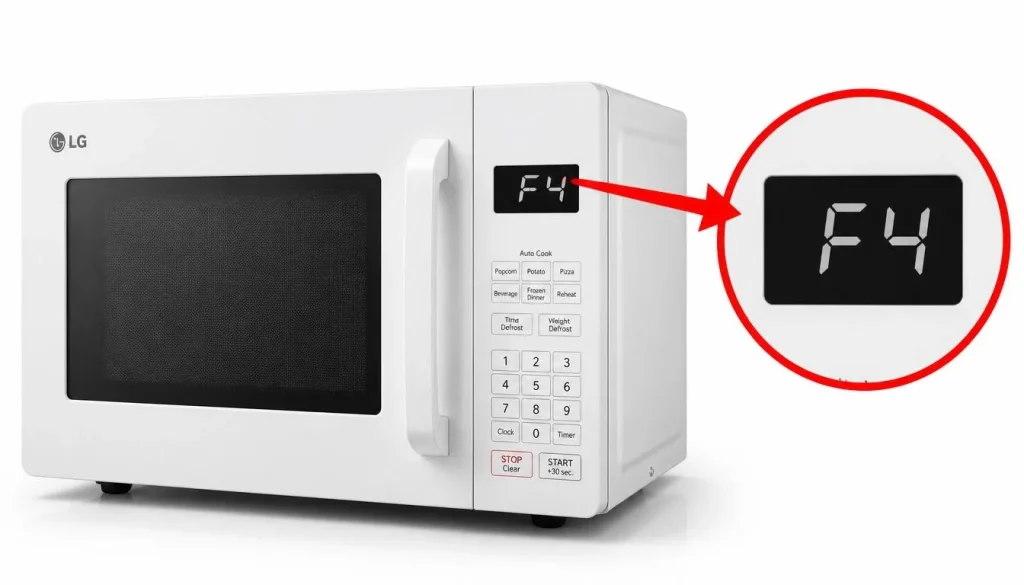
LG Microwave F-4 Error: Humidity Sensor Fix Guide
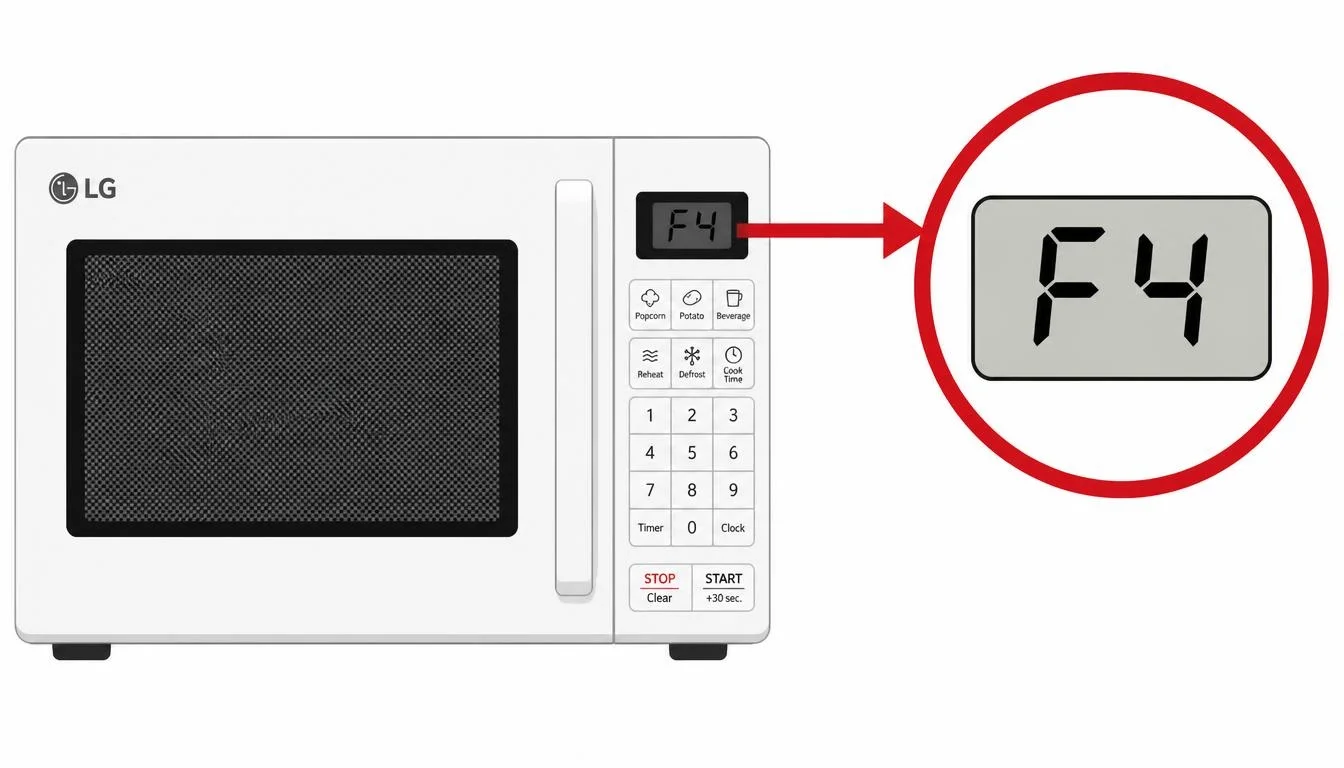
When F-4 appears on an LG microwave display, the appliance is reporting a failure in its humidity sensor—the component that detects the steam rising from food during Sensor Cook and Sensor Reheat programmes. LG’s service manuals for multiple microwave models list F-4 as “Humidity Sensor Error” or “Humidity sensor open or short” . The LG microwave F-4 error is therefore a sensor-level fault, not a magnetron failure, a high-voltage breakdown, or a door-switch problem.
The humidity sensor is a small resistive element behind a cover plate in the cavity ceiling or wall, and it measures the change in humidity as food heats . When the sensor is working, it tells the control board when a sensor-cook cycle is complete. When it is open, shorted, or fouled by grease, the board cannot read the steam signal, and it posts F-4 rather than continuing a cooking programme on invalid data.
A note on sourcing is necessary before proceeding. The first link supplied for this article is an LG Egypt troubleshooting page for the microwave F-4 code, but its rendered content displayed only a login and OTP prompt, with no usable troubleshooting text . The second link is an LG Parts repair guide for microwaves that do not heat, and it does not contain a dedicated F-4 entry . The microwave-specific F-4 information in this article is therefore drawn from LG’s service manuals as indexed by repair sources, and from dedicated appliance repair guides, which are identified as repair guidance rather than LG’s consumer support pages.
This article explains what the LG microwave F-4 error means, the sensor’s role in sensor-cooking, the causes repair guidance identifies, the step-by-step fix in the order the sources describe, the safety rules that apply to microwave repairs, the circumstances in which the microwave requires professional service, and the practical habits that prevent the code from returning.
?What Does the LG Microwave F-4 Error Mean
The LG microwave F-4 error means that the humidity sensor circuit is open or shorted. LG’s service manual for the LMC1575 countertop microwave lists F-4 as “Humidity Sensor Error,” and the service manual for the LMH2235ST over-the-range model lists it as “Humidity sensor open or short” . The LG LMV1762ST service manual uses the same wording in its self-diagnosis section: F-4 Humidity sensor open or short .
The humidity sensor is the component that detects the steam that food gives off as it heats. Sensor-cooking programmes—Auto Cook, Sensor Reheat, and similar functions—rely on that steam signal to determine when the food is done . When the sensor is open or shorted, the board cannot read the signal, and it disables sensor-based cooking until the fault is repaired .
This is why the LG microwave F-4 error does not necessarily stop the microwave from heating food in manual mode. A repair source states that manual time-cook may still work when F-4 is present, while sensor-cook cycles end prematurely or refuse to start . The code is specific to the sensor circuit, not to the magnetron or the high-voltage components.
The Humidity Sensor: What It Does and Why It Fails
The humidity sensor is a small resistive element mounted behind a cover plate in the cavity ceiling or wall . It measures the steam that food produces during heating, and its resistance changes as the humidity in the cavity rises. The control board monitors that change and uses it to decide when a sensor-cook programme should end .
Repair guidance describes the failure modes in practical terms. The sensor element can age or become fouled by smoke and grease, which coats the sensor vent and prevents steam from reaching the element . The plug at the sensor or the control board can work loose, interrupting the signal . And the sensor itself can fail open or shorted, which is the condition that LG’s service manuals describe as the F-4 cause .
LG’s service manual test procedure confirms the sensor-level diagnosis. The manual instructs the technician to disconnect the sensor connector from the control board and measure resistance across the sensor terminals, with the expected reading approximately 2.8 kΩ at 77°F on one model, and a normal infinite reading on another test point . A reading that is open or far outside the expected range points to a failed sensor.
Causes of the LG Microwave F-4 Error
Repair guidance identifies four causes for the LG microwave F-4 error, and the list follows the order in which a technician or a confident DIY user would check them.
A Failed Humidity Sensor
The first and most common cause is a failed humidity sensor. The sensor element can age or be fouled by smoke and grease, and it can fail open or shorted . LG’s service manuals list F-4 as the open-or-short condition, which confirms that the sensor itself is the primary suspect .
A Disconnected or Loose Sensor Harness
The second cause is a disconnected or loose sensor harness. The plug at the sensor or at the control board can work loose over time, and the board then receives no signal . A repair source lists a faulty wire harness connected to the humidity sensor as a possible cause of the code .
A Blocked or Grease-Coated Sensor Vent
The third cause is a blocked sensor vent. A grease film over the sensor port prevents steam from reaching the element, and the sensor cannot register the humidity change . This cause is common on over-the-range models, where cooking grease and steam rise directly into the microwave’s underside.
A Main Control Board Fault
The fourth cause is a main control board fault. The bias circuit for the sensor on the PCB can fail, and the board then misreads the sensor signal or reports it as open or shorted even when the sensor itself is healthy . This cause is less common than the sensor or harness faults, but it becomes the remaining suspect when the sensor and wiring test good.
The Step-by-Step Fix
The fix for the LG microwave F-4 error follows a sequence that begins with the least invasive action and progresses to component replacement. The steps below combine the repair guidance from the sources, with the source of each step identified.
Step 1: Perform a Power Reset
The first step is a power reset. Unplug the microwave from the wall outlet for at least one minute, or for 60 seconds as one source specifies, then plug it back in and heat a cup of water to test . The reset allows the control board to discharge and re-initialize. If the F-4 code clears and does not return, the cause was a transient glitch.
Step 2: Wipe Away Steam and Condensation
The second step is to open the door and wipe away any steam or condensation inside the cavity . Moisture on the sensor vent can mimic a sensor fault, and drying the cavity before retesting rules out that simple condition.
Step 3: Clean the Sensor Vent
The third step is to clean the sensor vent. Repair guidance instructs the user to open the cabinet—only if trained and comfortable with microwave safety—and find the humidity sensor, which is usually a small block on the top duct near the cavity exhaust . Clean any greasy film off the sensor vent with isopropyl alcohol, but do not soak the sensor itself . A dry cloth can also be used to wipe away grease or moisture from the accessible areas .
Step 4: Verify the Sensor Plug
The fourth step is to verify that the sensor plug is fully seated at both ends—at the sensor and at the control board . A loose connector is a common and easily corrected cause of the F-4 code, and reseating it costs nothing.
Step 5: Replace the Humidity Sensor
If cleaning and reseating do not resolve the code, the fifth step is to replace the humidity sensor. Repair guidance identifies the humidity sensor as a common replacement part for the F-4 error, and LG’s parts listings show the sensor assembly under part numbers such as 6501W1A013A and 6501KW2002A . The sensor is located at the back left of the unit when looking from the front on some models, or on the left-hand side on others .
Step 6: Replace the Main Control Board
If a new sensor still produces the F-4 code, the sixth step is to replace the main control board. Repair guidance states that if the new sensor still throws F-4, the main PCB requires replacement . This step is the last in the sequence because the board is the most expensive component and the least likely cause.
Safety Rules for the LG Microwave F-4 Error
The LG microwave F-4 error involves a sensor circuit inside the microwave cabinet, and the safety rules for microwave repairs are strict. Repair guidance is direct: never remove the outer cabinet of a microwave, because the high-voltage capacitor inside can hold a dangerous charge long after the oven is unplugged . The LG Parts repair guide reinforces the same point: a microwave contains a high-voltage capacitor that can hold a dangerous electrical charge even after the appliance is unplugged, and the cabinet cover should not be removed unless the person is trained and experienced with microwave safety .
The power reset and the cleaning of the accessible cavity area are safe user-level actions. The sensor cleaning, harness inspection, and component replacement require access to the cabinet, and those steps should be performed by a qualified technician or by a user who has the training and tools to discharge the capacitor safely. The LG microwave F-4 error is a low-voltage sensor fault in a high-voltage appliance, and that combination is why the repair guidance draws a firm line between the safe checks and the internal work.
When the F-4 Error Requires Service
The LG microwave F-4 error requires service when the power reset and the accessible cleaning do not resolve it. Repair guidance states that if the F-4 code returns after the reset, the sensor and its wiring are inside the cabinet, and the user should book LG service .
Service is the appropriate next step under the following conditions. If the F-4 code returns immediately after a power reset and a cavity wipe-down, the sensor, harness, or board requires diagnosis. If sensor-cook programmes continue to end prematurely or refuse to start while manual cooking still works, the humidity sensor circuit is the relevant target . If the microwave is an over-the-range model and the sensor vent is heavily greased, the cleaning may require cabinet access that is not a user procedure. If the sensor has been replaced and the code persists, the main control board is the remaining suspect, and board replacement is a service task .
It is also important not to continue using sensor-cook programmes indefinitely when the F-4 code is present. The sensor-based cooking functions are disabled until the fault is repaired , and repeated attempts to start those programmes do not resolve the underlying condition. Manual time-cook may still work, but the sensor fault should be addressed so that the full range of microwave functions is restored.
Preventing the F-4 Error
The LG microwave F-4 error cannot always be prevented, because sensor elements age and electronic components fail. However, a few practical measures reduce the conditions that lead to the fault.
Covering food during cooking reduces the grease and steam that reach the sensor vent, and it also reduces the cleaning burden on the microwave’s interior. Wiping the cavity and the accessible vent areas after each use prevents the grease film that blocks the sensor port . For over-the-range models, running the vent fan while the cooktop is on reduces the steam, heat, and grease-laden air that reach the microwave’s underside, which is where the sensor and the control panel are often mounted. Keeping the microwave on a stable power supply reduces the voltage fluctuations that can stress the control board and its sensor bias circuit .
Quick Reference Table
| Situation or Check | What It Means | What To Do |
|---|---|---|
| F-4 appears on the display | Humidity sensor circuit is open or shorted | Unplug for at least 60 seconds and retest |
| Code clears after the reset | Possible transient glitch or condensation | Monitor for recurrence |
| Code returns after the reset | Persistent sensor, harness, or board condition | Clean the sensor vent; book service if it persists |
| Sensor-cook cycles end prematurely | Humidity sensor is not reading the steam signal | The sensor circuit is the diagnostic target |
| Manual time-cook still works | The fault is confined to the sensor circuit | Manual cooking can continue temporarily |
| Grease film is visible on the sensor vent | The sensor port is blocked | Clean the vent with isopropyl alcohol |
| Sensor plug is loose | The board is receiving no signal | Reseat the plug at both ends |
| F-4 persists after a new sensor | Main control board is the remaining suspect | Board replacement is required |
Frequently Asked Questions
?What does the LG microwave F-4 error mean
F-4 means the humidity sensor circuit is open or shorted. LG’s service manuals list F-4 as “Humidity Sensor Error” or “Humidity sensor open or short” . The sensor detects steam during Sensor Cook and Sensor Reheat programmes, and the board cannot read its signal when the circuit is faulty.
?Is F-4 a serious fault
F-4 is a sensor-level fault, not a high-voltage fault. Repair guidance describes it as a serious-severity code in the sense that sensor-based cooking is disabled, but manual cooking may still work . The appliance is not presenting the kind of immediate hazard that a high-voltage fault would.
?Can I fix the LG microwave F-4 error myself
The user-level steps are the power reset and wiping away steam and condensation from the cavity . Cleaning the sensor vent and reseating the sensor plug require cabinet access, and repair guidance warns that the cabinet should not be opened without training because of the high-voltage capacitor . Replacement of the sensor or board is a service task.
?How do I reset the LG microwave after an F-4 error
Unplug the microwave from the wall outlet for at least one minute (some sources specify 60 seconds), plug it back in, and heat a cup of water to test .
?What causes the LG microwave F-4 error
The causes are a failed humidity sensor, a disconnected or loose sensor harness, a blocked or grease-coated sensor vent, and a main control board fault .
?Where is the humidity sensor located
The humidity sensor is a small block on the top duct near the cavity exhaust on some models, and at the back left or left-hand side of the unit when looking from the front on others .
?Can I clean the humidity sensor myself
Repair guidance describes cleaning the sensor vent with isopropyl alcohol without soaking the sensor itself . However, accessing the sensor requires opening the cabinet, and the high-voltage capacitor can hold a lethal charge. The cleaning should be performed only by someone trained in microwave safety.
?Is F-4 worth repairing
F-4 is a sensor or board fault that disables sensor-cooking functions. Repair guidance favors repair over replacement in most cases, because the humidity sensor is an inexpensive part and the fault is confined to the sensor circuit . The main control board replacement is more expensive, but it is the last step in the sequence.
?Does F-4 affect the magnetron
F-4 is a humidity sensor fault, not a magnetron fault. The code is specific to the sensor circuit, and the magnetron and high-voltage components are not implicated by the F-4 definition .
?When should I call a technician for the F-4 error
Call for service if the F-4 code returns after the power reset and cavity wipe-down, or if the sensor vent is blocked and cannot be cleaned without opening the cabinet. Repair guidance states that if F-4 returns, the sensor and its wiring are inside the cabinet, and the user should book LG service .
?Where can I confirm the F-4 meaning for my model
The model’s service manual or owner’s manual is the authoritative source. LG’s service manuals for the LMC1575, LMH2235ST, and LMV1762ST all list F-4 as a humidity sensor open-or-short condition, and the manual for a specific model confirms the resistance specification the technician uses .
