


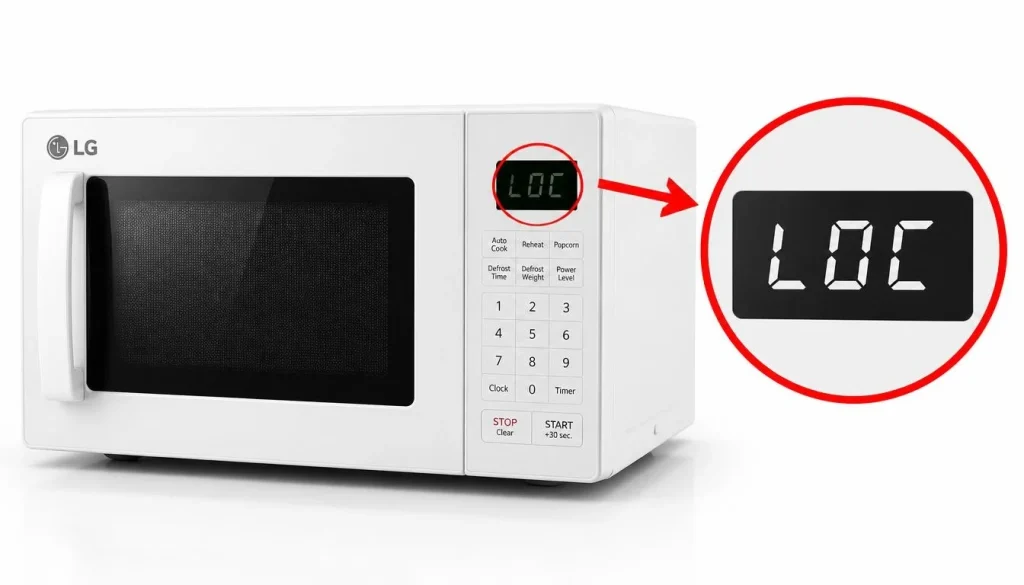
LG Microwave LOC Code: Child Lock Meaning and Fix
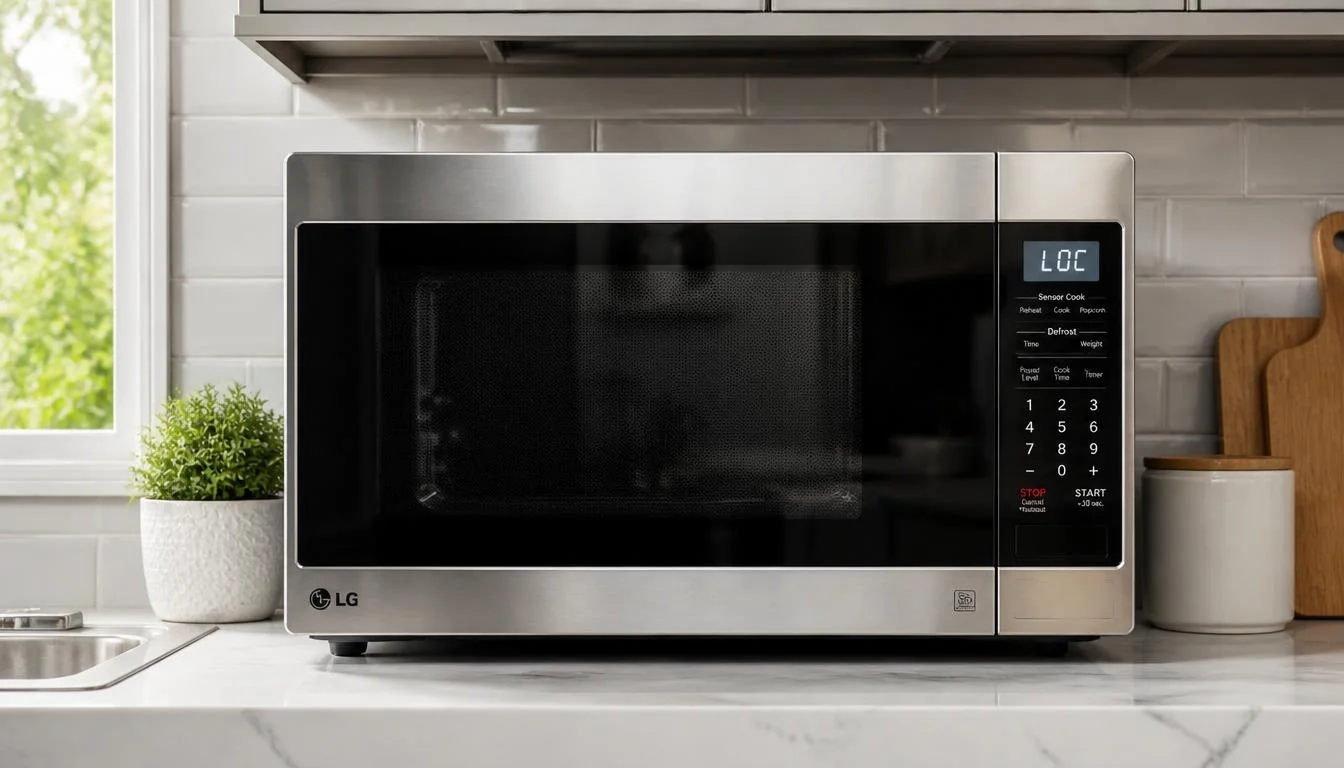
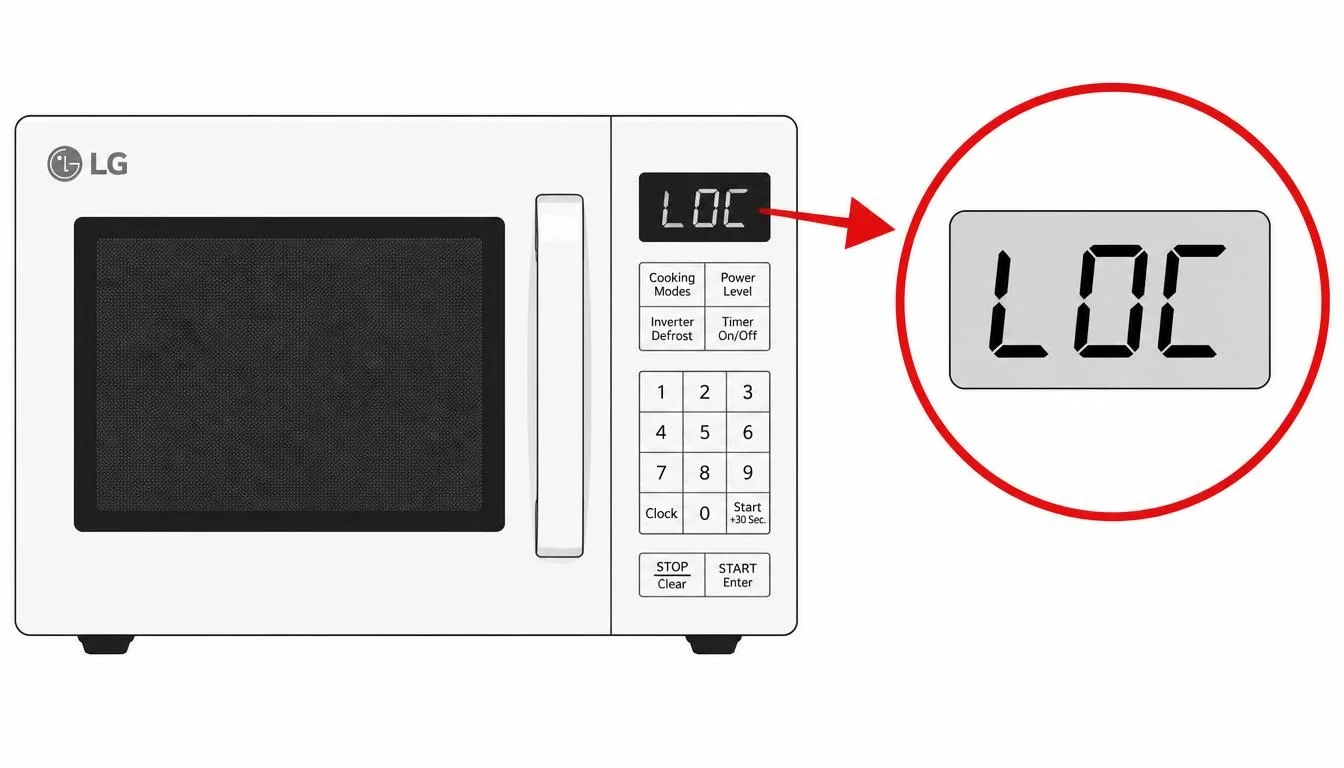
When LOC appears on an LG microwave display, the appliance is not reporting a breakdown. The LG microwave LOC code is the visible sign that the Child Lock feature is switched on. LG’s official documentation states the point directly: if you see [Loc] or [L] on the display, it indicates that the child lock is set, and the function locks the buttons so that they do not operate in order to prevent injuries or malfunctions that may occur due to inappropriate operations or actions by children .
The same definition appears across LG’s regional support libraries. The Korean page states that when [Loc] or [L] appears on the display, the lock function is set, and the buttons are disabled to prevent injury or damage that a child might cause by playing with the appliance . The Russian page uses identical language: [Loc] or [L] means the child lock is on, and the function blocks the buttons to prevent injuries or malfunctions from improper operation or children’s actions .
The LG microwave LOC code is therefore a notification, not an error code. The microwave has been deliberately locked, usually by someone pressing and holding the lock button, and the display is confirming that the lock is active. The appliance will not respond to key presses until the lock is released, which is exactly what the feature is designed to do.
This article explains what the LOC code means, why it appears, how it differs from genuine error codes, the model-specific unlock procedures that LG documents, the additional cause of unresponsive buttons—a door that is not fully closed—the steps to take if the code will not clear, and the practical habits that prevent accidental lock activation.
?What Does the LG Microwave LOC Code Mean
The LG microwave LOC code means that the Child Lock (also called Control Lock) is active. LG’s documentation describes it as a safety feature that locks the control panel so that children cannot operate the microwave unsupervised, and so that the panel is protected during cleaning .
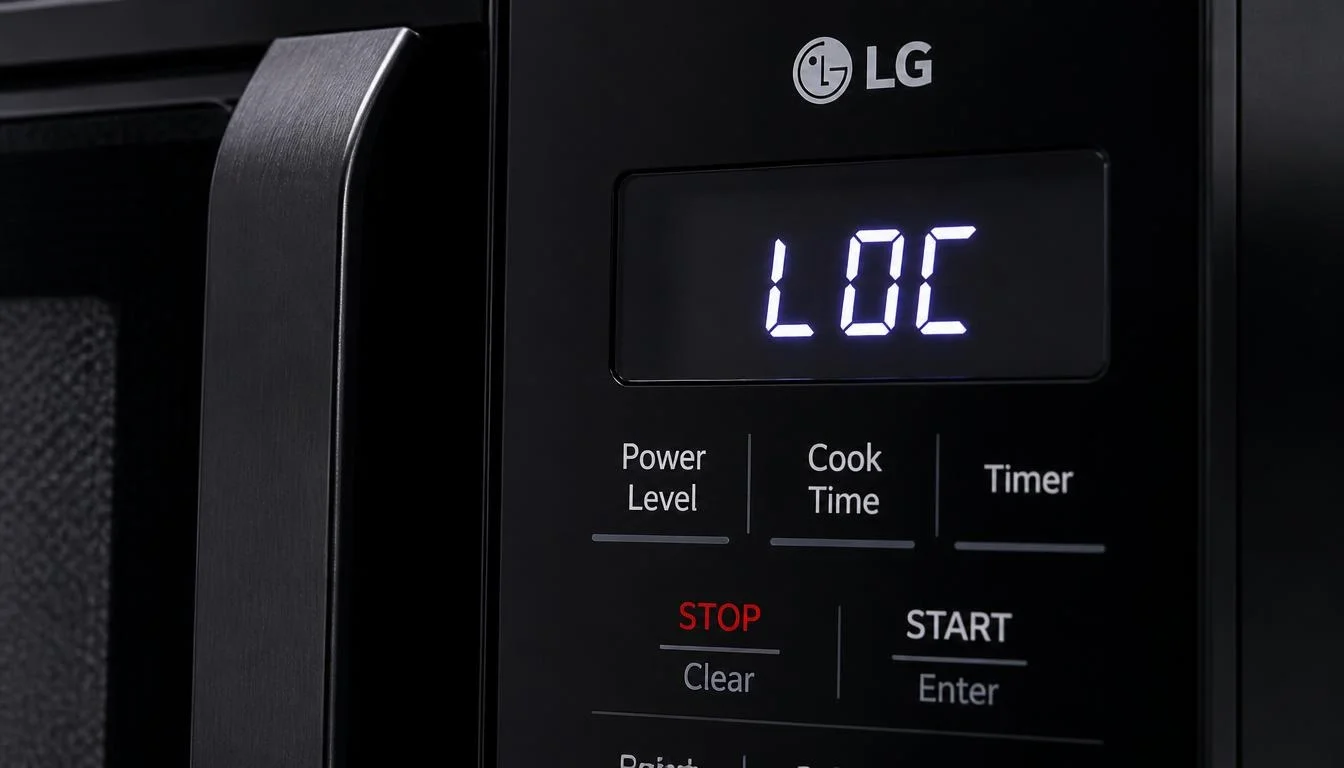
When the lock is active, the microwave’s buttons do not respond to presses. The display may show LOC, L, or a lock icon, depending on the model. LG’s repair guidance explains the behavior: if the lock is active, the buttons may not respond even though the microwave has power, and the display may still light up while the Start button, number pad, and cooking controls remain unresponsive .
Repair guidance is direct about the classification: LOC is not a malfunction; it is the built-in child lock feature that prevents accidental use . This is the most important fact about the code. The microwave is working as designed, and the correct response is to release the lock rather than to repair a component.
Why the LOC Code Appears
The LG microwave LOC code appears when someone activates the Child Lock feature. LG’s documentation describes the activation method as pressing and holding a specific button for several seconds. The Korean page states that holding the [Cancel] button for 4 seconds sets the lock, and holding it again for 4 seconds releases it . The Russian page gives the same instruction: hold [Cancel] for 4 seconds to unlock, and hold [Cancel] for 4 seconds to set the lock .
The feature exists for two practical reasons. The first is child safety: a young child pressing buttons on a microwave can start a cooking cycle, open the door during operation, or otherwise create a hazard. The lock prevents that. The second is cleaning safety: when the control panel is being wiped down, the lock prevents accidental button presses from starting the microwave .
The code can also appear unintentionally. A user who rests a hand on the panel, wipes the keypad, or presses the lock button while cleaning may activate the feature without realizing it. This is why the LOC display often appears after cleaning or after a child has been near the appliance.
LOC Is Not an Error Code
The LG microwave LOC code is often confused with genuine error codes because it appears on the same display and uses a similar format. The distinction is important for knowing when to troubleshoot and when to simply unlock the panel.
LG’s microwave error codes—such as F-1, F-2, F-3, and F-4—report component faults. F-1 and F-2 indicate a failed or shorted cavity thermistor, F-3 indicates a stuck key or touch-panel fault, and F-4 indicates a humidity sensor fault . Those codes require diagnosis and, in many cases, service.
The LOC code reports a feature state, not a component failure. Repair guidance groups it with the codes that are DIY-fixable and describes it as “not a malfunction” . A user who sees LOC does not need to clean a filter, test a sensor, or call a technician. The correct response is to unlock the panel.
The practical implication is that LOC should not be treated as a fault code. If the microwave displays LOC and the buttons do not respond, the appliance is locked by design, and the unlock procedure is the appropriate step.
How to Unlock the LG Microwave: Model-Specific Procedures
The unlock procedure for the LG microwave LOC code varies by model, and LG’s documentation presents several different button combinations. The correct method depends on which button the specific model uses for the lock function.
Hold the Cancel Button for 4 Seconds
LG’s Korean, Russian, and US pages for the DIOS lightwave oven state that holding the [Cancel] button for 4 seconds unlocks the appliance . This is the most frequently documented procedure in LG’s regional support libraries. The US page adds that the same 4-second hold sets the lock when the feature is being activated .
Hold Stop/Clear for 3–5 Seconds
The Taiwanese LG page for microwaves states that holding “Stop/Clear” for 4 seconds activates or releases the child safety lock . Repair guidance describes the same method with a slightly wider range: press and hold the Stop/Clear button for 3–5 seconds until the code disappears . A Best Buy customer answer attributed to an LG model describes holding STOP/Clear for approximately 3 seconds until “Loc” disappears .
Hold Start/Enter for 4 Seconds
A separate repair source lists Start/Enter as the unlock button for some LG microwaves, held for 4 seconds until the “L” disappears and a beep sounds .
Hold the Lock Button or Child Lock Button for 3 Seconds
LG’s electric range guidance uses a different combination: press and hold the [Lock] button or the [Child Lock] button for 3 seconds to unlock . This applies to range models rather than microwaves, but it illustrates the variation in lock-button assignments across LG cooking appliances.
What the Variation Means
The LG microwave LOC code unlock method is not universal. LG’s documentation notes that the guide was created for all models and that the images or content may differ from the product . The practical approach is to identify the button marked with a lock icon, or the button that the model’s manual identifies as the Child Lock control, and hold it for the specified duration. If the panel has a dedicated [Lock] or [Child Lock] button, that is the button to use.
When the Buttons Do Not Respond After Unlocking
The LG microwave LOC code should clear when the correct button is held for the specified duration. If the buttons remain unresponsive after the unlock attempt, LG’s documentation identifies a second condition that can produce the same symptom: the door is not fully closed.
LG’s US page states that the buttons may not work if the lightwave oven range door is not closed correctly, and it instructs the user to check for a foreign object stuck in the door, close the door completely, and check whether the buttons work . The Korean page repeats the same point: if the door is not properly closed, the buttons may not operate, so the user should check for foreign matter in the door gap and close the door fully . The Russian page adds the same instruction .
The practical sequence when the buttons do not respond is therefore:
-
Confirm that the correct lock button has been held for the specified duration.
-
Check the door for food debris, packaging, or an obstruction in the latch area.
-
Close the door firmly until the latch clicks.
-
Test whether the buttons respond.
If the buttons respond after the door is closed, the LOC display was a lock condition and the door was the secondary issue. If the buttons remain unresponsive after the lock is released and the door is confirmed closed, the panel or the door switch may have a fault, and service becomes relevant at that point.
What to Do If LOC Will Not Clear
The LG microwave LOC code normally clears with the unlock procedure. If it does not, repair guidance describes a reset step: unplug the microwave for 60 seconds, then plug it back in . The reset allows the control board to discharge and re-initialize, and it may clear a lock state that has become stuck.
If the code reappears immediately after the reset, repair guidance advises checking whether a keypad button is stuck. A stuck button can mimic a continuous key press, and the control board may interpret that as a reason to keep the panel locked. Wiping the keypad with a soft, damp cloth removes the grease or debris that can hold a button down .
If the code persists after the reset and the keypad has been cleaned, the remaining possibilities are a touchpad or control board fault. Repair guidance identifies a stuck button, a touchpad failure, and a control board problem as the causes of a keypad that does not respond even when the lock feature is off . At that point, the appliance requires service rather than another unlock attempt.
Safety Considerations
The LG microwave LOC code itself is a safety feature, and the response to it does not involve any risk. The unlock procedure—holding a button for a few seconds—is safe. The reset—unplugging the microwave and plugging it back in—is safe.
What is not safe is opening the microwave cabinet to investigate a panel that will not unlock. Repair guidance is direct: microwaves contain high-voltage components that can remain dangerous even after the unit is unplugged, and the outer cabinet should not be removed unless the person is trained to work on microwaves . The LOC code is a control-panel state, not a high-voltage fault, and there is no reason to open the cabinet to resolve it.
If the microwave shows LOC together with a genuine error code such as F-1 or F-3, the error code is the relevant condition, and the troubleshooting for that code applies. The LOC display in that case is a secondary notification, not the primary fault.
Preventing Unintentional LOC Activation
The LG microwave LOC code appears when the Child Lock is activated. The most direct way to prevent unintentional activation is to know which button controls the lock on the specific model and to avoid holding it during cleaning or normal use.
LG’s documentation does not describe a maintenance routine for preventing LOC, because the code is a feature state rather than a fault. The preventive measure is behavioral: understanding that the lock is activated by a sustained button press, and that the panel will not respond until the same button is held again to release it. For households with young children, the feature is doing its job when LOC appears, and the lock should be left on when the microwave is not in use.
Quick Reference Table
| Situation | What It Means | What To Do |
|---|---|---|
| LOC appears on the display | Child Lock is active | Hold the model’s lock button for 3–5 seconds |
| Display shows L or a lock icon | Child Lock is active | Hold the model’s lock button for 3–5 seconds |
| Buttons do not respond | Normal Child Lock behavior | Unlock the panel using the correct button |
| Cancel button is the lock control | LG DIOS lightwave oven models | Hold Cancel for 4 seconds |
| Stop/Clear is the lock control | Many LG microwave models | Hold Stop/Clear for 3–5 seconds |
| Start/Enter is the lock control | Some LG microwave models | Hold Start/Enter for 4 seconds |
| Buttons remain unresponsive after unlock | Door may not be fully closed | Check for debris in the door and close it firmly |
| LOC returns after the unlock attempt | Keypad may have a stuck button | Unplug for 60 seconds and wipe the keypad |
| LOC persists after reset and cleaning | Possible touchpad or board fault | Service diagnosis is required |
Frequently Asked Questions
?Is the LG microwave LOC code an error
No. LOC is the Child Lock notification, not an error. LG’s documentation states that if you see [Loc] or [L] on the display, the child lock is set, and repair guidance describes it as “not a malfunction” .
?What does LOC stand for on an LG microwave
It stands for Lock (or Control Lock / Child Lock). LG’s documentation uses [Loc] and [L] interchangeably to indicate that the lock function is active .
?How do I unlock my LG microwave when LOC is showing
The procedure depends on the model. LG’s DIOS lightwave oven documentation states that holding the Cancel button for 4 seconds unlocks the appliance . The Taiwanese microwave page states that holding Stop/Clear for 4 seconds activates or releases the lock . Repair guidance describes holding Stop/Clear for 3–5 seconds , and some models use Start/Enter for 4 seconds . Identify the button marked with a lock icon or the button the manual identifies as the Child Lock control.
?Why do the buttons not respond when LOC is showing
Because the Child Lock disables the buttons by design. LG’s documentation states that the function locks the buttons so that they do not operate in order to prevent injuries or malfunctions .
?What if the buttons still do not work after I unlock the panel
Check the door. LG’s documentation states that the buttons may not work if the door is not closed correctly, and it instructs the user to check for a foreign object stuck in the door and close it completely .
?What if LOC will not clear at all
Repair guidance describes a reset: unplug the microwave for 60 seconds, plug it back in, and check whether the code clears. If LOC reappears immediately, check whether a keypad button is stuck and wipe the keypad with a soft, damp cloth . If the code persists after the reset and cleaning, the touchpad or control board may have a fault, and service is required.
?Is LOC the same as an F-code error
No. LOC is a lock notification, while F-codes such as F-1, F-2, and F-3 report component faults . If LOC appears together with an F-code, the F-code is the relevant condition, and the troubleshooting for that code applies.
?Can a child lock be disabled permanently
LG’s documentation describes the lock as a feature that is set and released with the same button sequence. It does not describe a permanent disable option for the microwave. The lock can be released whenever the user needs to use the appliance, and it can be re-engaged when the appliance is not in use.
?Is it safe to open the microwave to fix a panel that will not unlock
No. Repair guidance warns that microwaves contain high-voltage components that can remain dangerous even after the unit is unplugged, and the outer cabinet should not be removed unless the person is trained to work on microwaves . The LOC code is a control-panel state, not a high-voltage fault.
?Where can I confirm the LOC unlock method for my model
The model’s owner’s manual is the authoritative source. LG notes that its guide was created for all models and that the images or content may differ from the specific product .
