


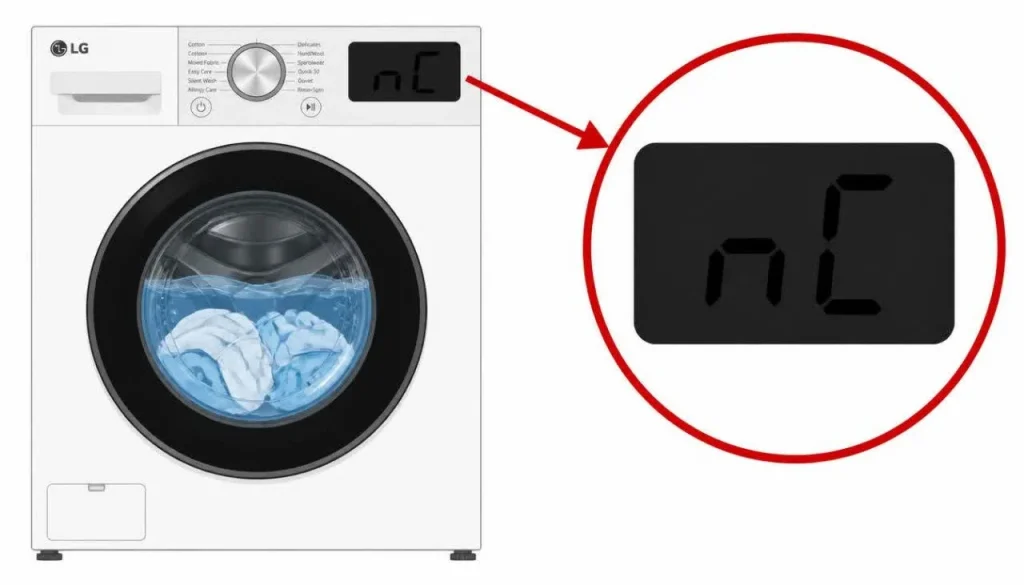
LG Washer nC Error: NFC Connection Fix
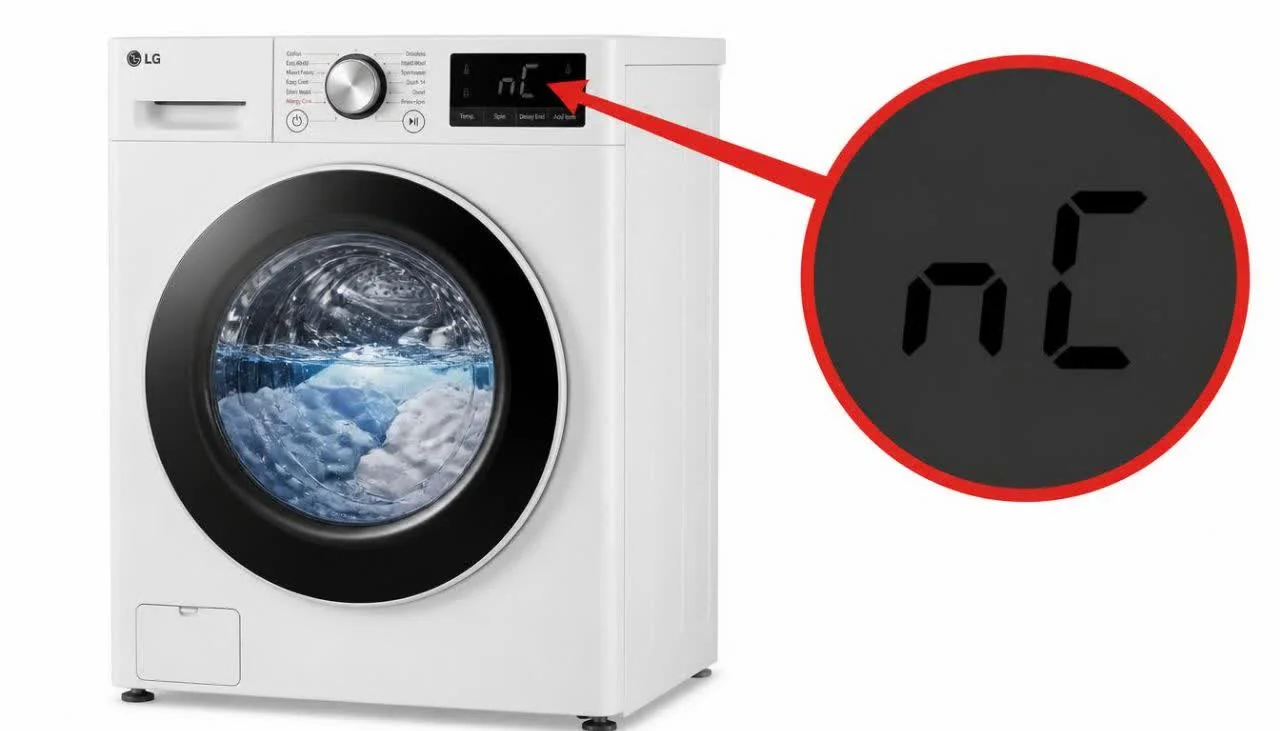
When the letters “nC” appear on the display of an LG washer, the machine is reporting a communication fault inside its electronic control network. Specifically, the LG washer nC error indicates that the connection between the Display PCB and the NFC PCB module is faulty. The washer is not reporting a problem with water, drainage, the motor, or the drum. It is reporting that two electronic boards inside the machine are not communicating with each other as they should.
This distinction matters for diagnosis and for expectations. The LG washer nC error is an electronic connectivity code. It does not mean the washing mechanism has failed, and it does not mean the machine is unsafe to be near. It means that the Near Field Communication module—the component that allows the washer to interact with compatible devices and smart features—is not properly linked to the display board that controls the user interface.
The official LG troubleshooting guidance for this code is short and specific: unplug the appliance, wait 60 seconds, restart it, and if the problem persists, request service. This article explains what the LG washer nC error means, which components are involved, why the fault occurs, the exact reset procedure, the circumstances in which the code indicates a hardware failure, and what users can expect from service.
?What Does the LG Washer nC Error Mean
The LG washer nC error means that the connection between the Display PCB and the NFC PCB module is defective. LG’s official error code documentation describes the nC fault in exactly these terms: the error is displayed when the connection between the display board and the NFC module is faulty.
The Display PCB is the board behind the control panel. It handles the buttons, the display, and the user’s interaction with the machine. The NFC PCB module is a separate board that manages Near Field Communication functions. For these two boards to work together, a communication link must exist between them. When that link is broken, missing, or unreliable, the LG washer nC error appears.
LG’s documentation for related connectivity codes helps clarify the pattern. The nE error indicates a connection issue between the Display PCB and the Wi-Fi module, and the nF error indicates a problem with the Wi-Fi module itself. The LG washer nC error belongs to this same family of connectivity codes: it is specifically about the NFC module’s link to the display board.
Why the LG Washer nC Error Appears
LG’s troubleshooting documentation identifies three possible causes for the LG washer nC error. Each cause affects the same communication path, but at a different point.
The NFC Module Is Not Connected
The most basic cause is that the NFC module is not connected. The module may have become physically disconnected from its connector, or the connection may never have been properly seated. In this case, the Display PCB cannot detect the NFC module at all, and the LG washer nC error is displayed.
The Wiring Harness for the NFC Module Is Defective
The wiring harness that carries signals between the Display PCB and the NFC module can become defective. A damaged harness creates an open circuit or an intermittent connection, and the communication link fails. This is a physical fault in the wiring rather than in the boards themselves.
The NFC Module Is Defective
The NFC module itself can fail. When the module is defective, it cannot respond to the Display PCB even if it is properly connected and the harness is intact. In this case, the fault is inside the NFC board, and the LG washer nC error persists until the module is replaced.
LG’s documentation does not rank these causes by likelihood. It presents them as the possible causes to consider when the code appears.
How to Clear the LG Washer nC Error
The official reset procedure for the LG washer nC error is simple, and it is the first action LG recommends. Unplug the appliance from the power outlet, wait 60 seconds, and then restart the appliance.
LG’s documentation states that if problems persist after this procedure, the user should request service. This is the complete official resolution path for the code: a 60-second power reset, followed by service if the code returns.
The purpose of the reset is to allow the Display PCB and the NFC module to re-establish their connection from a clean start. Electronic boards sometimes hold transient states or incomplete initialization sequences. Removing power for a full 60 seconds forces both boards to power down completely and then restart their communication handshake. If the fault is a temporary communication glitch, the reset clears the LG washer nC error. If the fault is physical—a disconnected module, a defective harness, or a failed NFC board—the reset will not clear it, and the code will return.
The 60-second wait is not arbitrary. LG uses the same 60-second interval for the related nE and nF connectivity codes and for the AE leak-detection code. It is the standard reset interval for this class of electronic connectivity faults in LG washers.
What to Do If the Reset Does Not Clear the Code
If the 60-second reset does not clear the LG washer nC error, LG’s guidance is to request service. The documentation does not describe a user-level procedure for inspecting the NFC module connector, testing the wiring harness, or replacing the NFC board. Those checks require opening the machine, accessing the control boards, and testing connections that are not intended for user access.
This is an important practical point. Unlike error codes that invite the user to check a drain hose or clean a filter, the LG washer nC error has a single official user step—the reset—and then a clear handoff to service. LG’s documentation for this code does not include a DIY diagnostic sequence beyond the reset.
The reason is the nature of the fault. The NFC module and the Display PCB are internal electronic assemblies. Diagnosing which of the three causes applies requires physical access to the connectors and the harness, and in some cases requires testing the boards themselves. This work falls outside the scope of user maintenance described in LG’s troubleshooting guides.
Quick Reference Table
| Situation | What It Means | What To Do |
|---|---|---|
| nC appears on the display | NFC module connection fault | Unplug, wait 60 seconds, restart |
| nC clears after the reset | Temporary communication glitch | Monitor for recurrence |
| nC returns after the reset | Physical fault is present | Request service |
| NFC module is not connected | The module is not detected by the Display PCB | Service inspection required |
| NFC wiring harness is defective | The communication link is broken | Service inspection required |
| NFC module is defective | The module cannot respond to the board | Service replacement required |
| nE appears instead of nC | Wi-Fi module connection fault | Unplug, wait 60 seconds, restart |
| nF appears instead of nC | Wi-Fi module problem | Unplug, wait 60 seconds, restart |
When the LG Washer nC Error Requires Service
The LG washer nC error requires service under one clear condition stated by LG: the problem persists after the appliance has been unplugged, left without power for 60 seconds, and restarted. When the code returns after this reset, LG’s documentation directs the user to request service.
Service is the appropriate next step because the remaining causes are all internal hardware conditions. A disconnected NFC module must be reconnected. A defective wiring harness must be replaced. A defective NFC module must be replaced. None of these is a user-serviceable procedure in LG’s documentation, and attempting to access the boards without the correct procedure carries risk to the electronics and to the user.
It is also worth noting that the LG washer nC error is not a safety code in the way that a leak code is. It does not indicate water where water should not be, and it does not indicate an electrical hazard. It indicates a connectivity fault. This means the washer may still perform its core washing functions even while the code is present, depending on the model and the specific failure. However, LG’s guidance still treats the code as a fault that requires resolution, and the reset-then-service path applies.
Preventing the LG Washer nC Error
LG’s troubleshooting documentation for the LG washer nC error does not include a dedicated prevention section. The causes it identifies—a disconnected module, a defective harness, a defective module—are internal hardware conditions rather than user-induced conditions. They are not caused by how the washer is loaded, how much detergent is used, or how the machine is leveled.
What the documentation does support is a correct response pattern when the code appears: perform the 60-second reset exactly as described, and if the code returns, request service rather than repeating the reset multiple times or attempting internal repairs. Repeated resets do not address a physical disconnection or a failed module, and they delay the service that the machine actually needs.
For users who want to minimize electronic faults in general, the relevant context from LG’s related connectivity codes is that these faults are board-and-harness issues, not maintenance issues. They are not prevented by cleaning routines or load management. The LG washer nC error is resolved by the reset or by service, not by user maintenance.
Frequently Asked Questions
What does the LG washer nC error mean?
The nC error indicates that the connection between the Display PCB and the NFC PCB module is faulty. LG’s documentation states that the error is displayed when this connection is defective.
?Is the nC error a washing mechanism failure
No. The nC error is an electronic connectivity fault inside the control network. It does not indicate a failure of the motor, the drum, the drain system, or the water supply system.
?Can I fix the LG washer nC error myself
The only user-level step in LG’s official guidance is the 60-second power reset. If the code persists after the reset, LG directs the user to request service. LG’s documentation does not provide a DIY procedure for inspecting the NFC module, the harness, or the boards.
?How do I reset the LG washer after an nC error
Unplug the appliance, wait 60 seconds, and restart it. This is the exact procedure described in LG’s troubleshooting documentation for the nC code.
?Why does the reset need to be 60 seconds
LG specifies 60 seconds as the reset interval for the nC code. The same interval is used for the related nE and nF connectivity codes and for the AE leak-detection code. It is the standard reset duration for this class of electronic faults.
?What causes the LG washer nC error
LG identifies three possible causes: the NFC module is not connected, the wiring harness for the NFC module is defective, or the NFC module is defective.
?What is the difference between nC, nE, and nF
The nC error concerns the connection between the Display PCB and the NFC module. The nE error concerns the connection between the Display PCB and the Wi-Fi module. The nF error concerns a problem with the Wi-Fi module itself.
?When should I call for service for the LG washer nC error
Call for service if the nC error persists after unplugging the appliance, waiting 60 seconds, and restarting it. LG’s documentation states that if problems persist, the user should request service
