


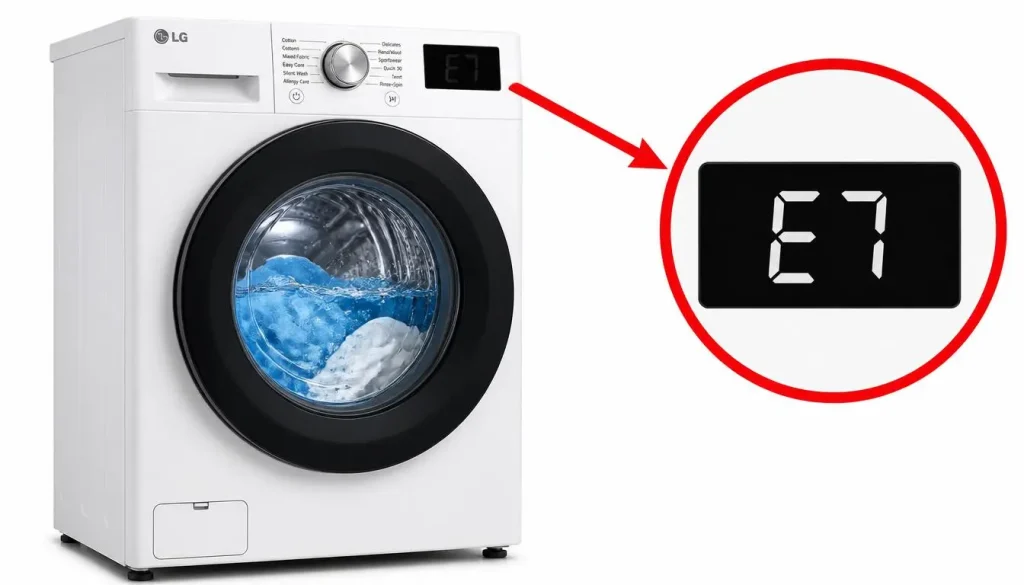
LG Washer E7 Error: Sidekick Installation Fix
The LG washer E7 error is one of the few LG error codes that is not about water, drainage, or the motor. It is about the physical relationship between two appliances. The E7 code appears when the LG Sidekick pedestal washer—a small, drawer-style washer that sits beneath a compatible front-load washer—is either used on its own or is not correctly recognized by the full-size washer stacked above it. LG’s official troubleshooting documentation states that this error occurs when you attempt to use the Mini Washer only without the top washing machine, and that it also occurs when the top washing machine detection device is damaged.
The LG washer E7 error is therefore an installation and detection fault, not a failure of the washing mechanism itself. The Sidekick is designed to operate as a companion unit, and the E7 code is the system’s way of announcing that the companion relationship has not been established. In most cases, the fix is a matter of alignment and seating, not a repair. This article explains what the LG washer E7 error means, why it appears, the exact steps LG recommends to clear it, and the circumstances in which the error indicates a hardware problem that requires service.
?What Does the LG Washer E7 Error Mean
The LG washer E7 error means that the Sidekick pedestal washer has not been properly installed under an LG front-load washer. LG’s error code documentation states directly: “An E7 error code means that your Sidekick pedestal washer was not properly installed under an LG front load washer”. The same documentation describes the Sidekick as a pedestal washer that cannot be used by itself or under any other washer, and that should never be installed under a dryer.
LG’s Mini Washer troubleshooting page reinforces the same principle. It states that the Mini Washer can operate only when there is a front-load washing machine accepted by the Mini Washer at the top, and that the Mini Washer cannot be used alone. The page also notes a second cause: the error occurs when the top washing machine detection device is damaged.
The LG washer E7 error therefore has two distinct meanings that share a single theme: the Sidekick has lost its connection to the host washer. Either the physical installation does not create the connection (misalignment or improper seating), or the component that senses the host washer has failed.
Why the LG Washer E7 Error Appears
The E7 code appears when the Sidekick’s control system does not receive the expected confirmation that a compatible front-load washer is correctly positioned above it. LG’s documentation identifies the specific mechanical point that carries this confirmation: the stacking switch. The error code list instructs users to make sure the front-load washer is properly aligned on the Sidekick and that the bottom back left piece is set properly on the stacking switch.
This explains why the error can appear even when a full-size washer is physically present. The washer may be sitting on top of the Sidekick, but if it is not aligned correctly, or if the rear-left contact point is not seated on the stacking switch, the Sidekick does not detect the host washer and displays E7. The physical presence of the upper washer is not enough; the switch must be engaged.
The second cause—a damaged detection device—explains why the error can persist even after correct alignment. If the stacking switch or its associated sensing circuit has failed, the Sidekick will not detect the host washer regardless of how carefully the upper unit is positioned.
Step-by-Step Fixes for the LG Washer E7 Error
The following steps follow the sequence implied by LG’s documentation. They begin with the installation checks that resolve most occurrences and end with the service scenario that applies when the hardware itself has failed.
Step 1: Confirm That the Sidekick Is Not Being Used Alone
The first check is to confirm the operating configuration. The Sidekick cannot be used by itself. If the Sidekick is being operated without a compatible front-load washer above it, the E7 code is the expected result. LG’s documentation states that the Mini Washer can operate only when there is a front-load washing machine accepted by the Mini Washer at the top. The solution in this case is not a repair; it is to operate the Sidekick only in its intended stacked configuration, with a compatible LG front-load washer above it.
Step 2: Check That the Host Washer Is an Accepted Model and Is Not a Dryer
The Sidekick must be installed under a compatible LG front-load washer. LG’s documentation states that the Sidekick “should never be installed under a dryer” and cannot be used under any other washer. If the upper appliance is a dryer, or a washer model that is not accepted by the Sidekick, the E7 code will appear and cannot be cleared by alignment. The installation must be corrected so that the Sidekick sits beneath a compatible front-load washer.
Step 3: Align the Front-Load Washer on the Sidekick
If the configuration is correct, the next step is alignment. LG’s documentation instructs users to make sure the front-load washer is properly aligned on the Sidekick as shown in LG’s guidance. Misalignment can prevent the stacking switch from engaging even when the upper washer appears to be in place. The upper washer should be repositioned so that it sits squarely and fully on the Sidekick, following the alignment shown in LG’s installation material.
Step 4: Check the Bottom Back Left Piece on the Stacking Switch
The specific contact point that LG identifies is the bottom back left piece. The documentation instructs users to ensure that the bottom back left piece is set properly on the stacking switch. This is the mechanical confirmation point that tells the Sidekick a host washer is present. If the upper washer is aligned but the rear-left corner is not seated on the switch, the E7 code will remain. The upper washer may need to be lifted slightly and reseated so that this corner makes proper contact.
Step 5: Contact LG Service If the Error Persists After Correct Installation
If the E7 error is displayed even though a washing machine accepted by the Mini Washer has been installed normally, LG’s guidance is to contact an LG Electronics service center. This is the point at which the second documented cause becomes relevant: the top washing machine detection device is damaged. When the installation is correct and the error persists, the stacking switch or its sensing circuit has likely failed, and the unit requires professional diagnosis and repair.
Quick Reference Table
| Situation | What It Means | What To Do |
|---|---|---|
| E7 appears on the Sidekick display | Sidekick is not detecting a host washer | Confirm the stacked configuration first |
| Sidekick is being used alone | The unit cannot operate independently | Operate it only under a compatible front-load washer |
| Upper appliance is a dryer | The Sidekick must never sit under a dryer | Move the Sidekick under a compatible washer |
| Upper washer is present but misaligned | Stacking switch is not engaged | Realign the washer squarely on the Sidekick |
| Rear-left corner is not seated | The specific switch contact is open | Reseat the bottom back left piece on the stacking switch |
| Error persists after correct alignment | Detection device may be damaged | Contact an LG Electronics service center |
| Error appears after moving or reinstalling | Installation seating was disturbed | Repeat the alignment and switch-seating checks |
Frequently Asked Questions
?What does the LG washer E7 error mean
The E7 error means the Sidekick pedestal washer was not properly installed under an LG front-load washer, or that the top washing machine detection device is damaged.
?Is the E7 error a fault in the washing mechanism
No. The E7 code is an installation and detection fault. It indicates that the Sidekick has not confirmed the presence of a compatible host washer above it. The washing mechanism itself is not implicated by the code.
?Can the Sidekick be used on its own
No. LG’s documentation states that the Mini Washer can operate only when there is a front-load washing machine accepted by the Mini Washer at the top, and that it cannot be used alone.
?Can the Sidekick be installed under a dryer
No. LG states that the Sidekick should never be installed under a dryer, and that it cannot be used under any other washer.
?How do I clear the LG washer E7 error
Make sure the front-load washer is properly aligned on the Sidekick and that the bottom back left piece is set properly on the stacking switch.
?What is the stacking switch
The stacking switch is the contact point that confirms a compatible host washer is seated above the Sidekick. LG identifies the bottom back left piece as the part that must be set properly on this switch.
?What if the E7 error stays on after I align the washer
If the error is displayed even though a washing machine accepted by the Mini Washer has been installed normally, contact an LG Electronics service center. The detection device may be damaged.
?Does the E7 code apply to all LG washers
The E7 code in this context applies to the LG Sidekick pedestal washer and its relationship with a host front-load washer. It is not a general code that applies to every LG washer model.
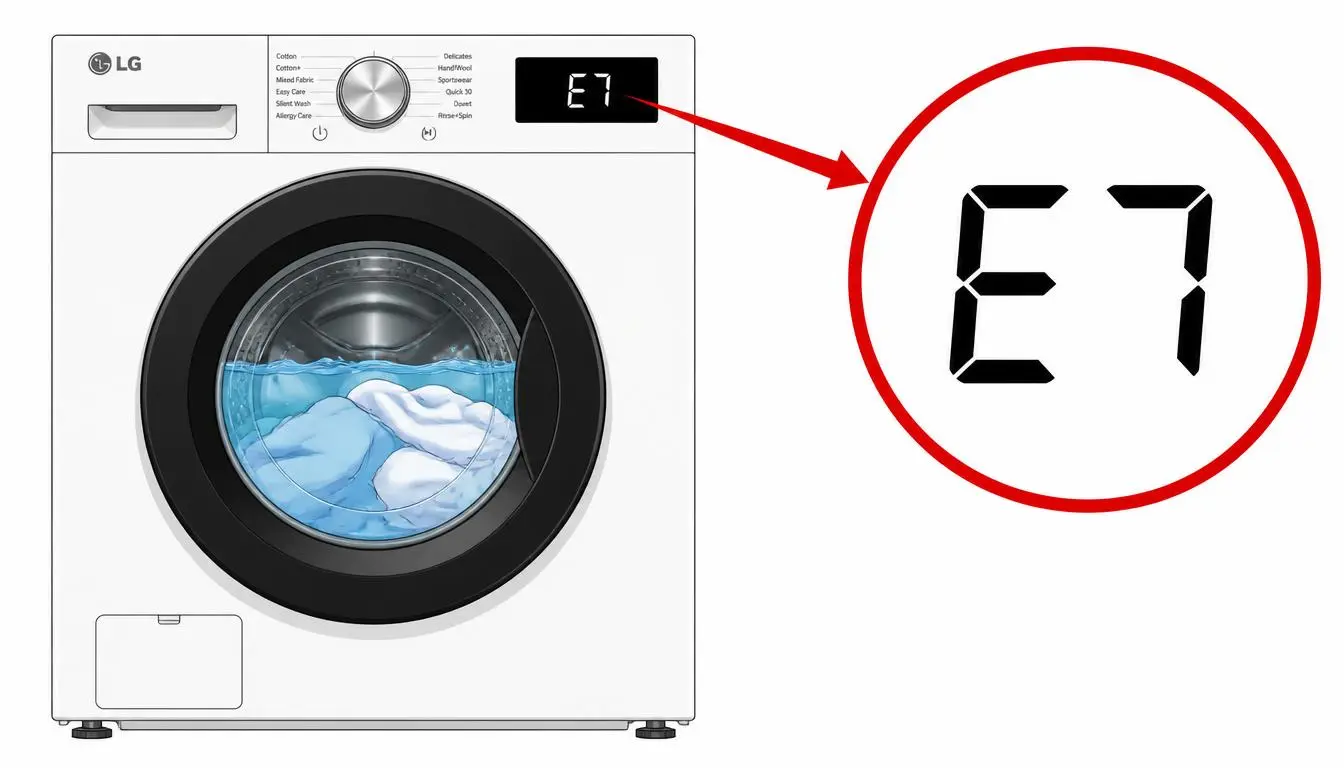
When the LG Washer E7 Error Requires Service
The LG washer E7 error becomes a service matter under one specific condition that LG’s documentation states clearly: if the error is displayed even though a washing machine accepted by the Mini Washer has been installed normally, the user should contact an LG Electronics service center. This condition means that the installation checks—configuration, compatibility, alignment, and seating on the stacking switch—have all been completed and the Sidekick still does not detect the host washer.
The underlying cause in that scenario is the second one LG documents: the top washing machine detection device is damaged. Replacing or repairing that detection device is not a user-serviceable procedure described in LG’s troubleshooting guidance. LG directs the user to service rather than to a DIY component replacement.
It is also worth noting that LG’s documentation states the guide was created for all models and that images or content may differ from the specific product. If the visual references for alignment and switch seating do not match the user’s Sidekick model, LG’s service channel is the appropriate source for model-specific installation confirmation.
Preventing the LG Washer E7 Error
The preventive measures for the LG washer E7 error follow directly from its causes. Keeping the Sidekick in its intended stacked configuration beneath a compatible LG front-load washer prevents the “used alone” cause. Never placing the Sidekick under a dryer or under a non-compatible washer prevents the configuration cause that alignment cannot fix.
When the Sidekick or the host washer is moved—during cleaning, flooring work, or a relocation—the alignment should be rechecked afterward. The rear-left contact point on the stacking switch is the specific area to verify, because LG identifies it as the point that must be set properly for detection to occur. A washer that is visually in place but slightly shifted at that corner can produce a recurring LG washer E7 error
