


![[LG Front Load Washer] How to resolve a UE (unbalanced) error](https://hamedan-lg.ir/wp-content/uploads/2026/10/23-1024x585.webp "[LG Front Load Washer] How to resolve a UE (unbalanced) error")
LG Washer UE Error: Causes and Solutions
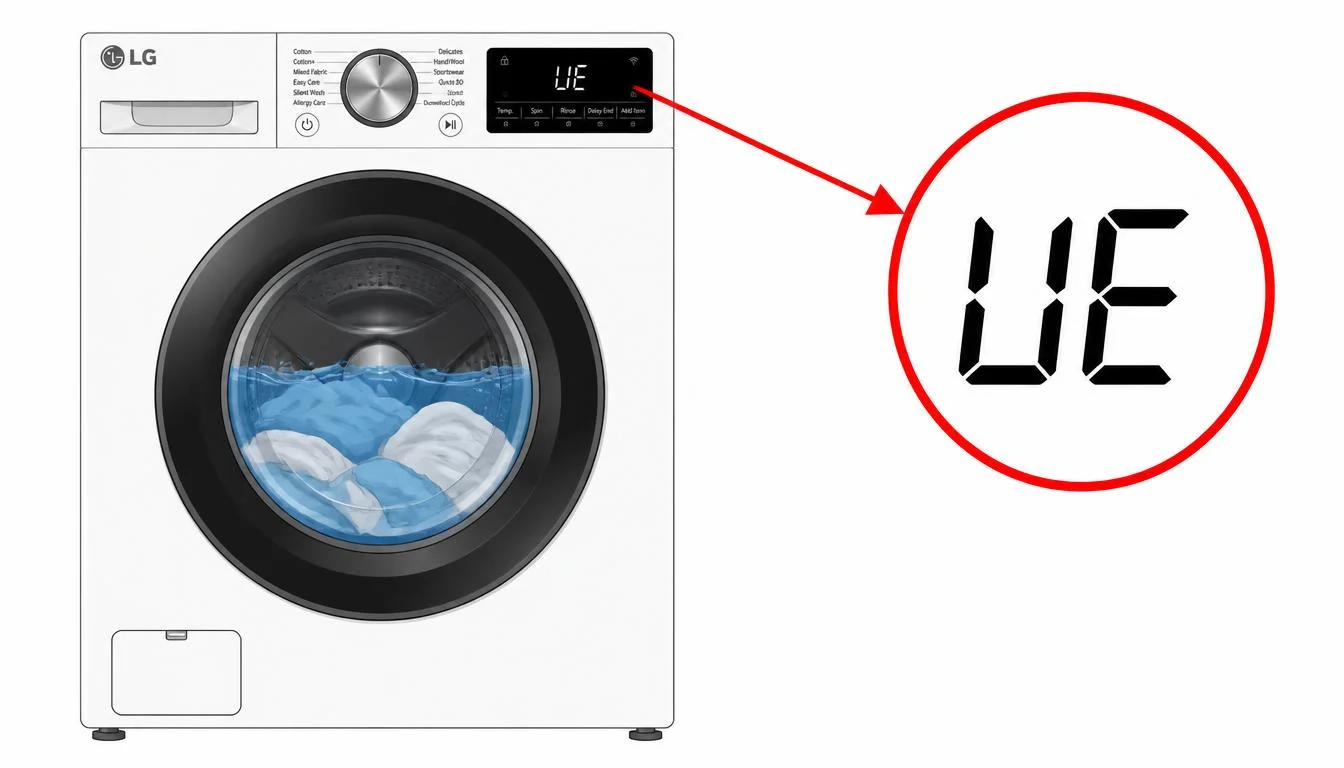
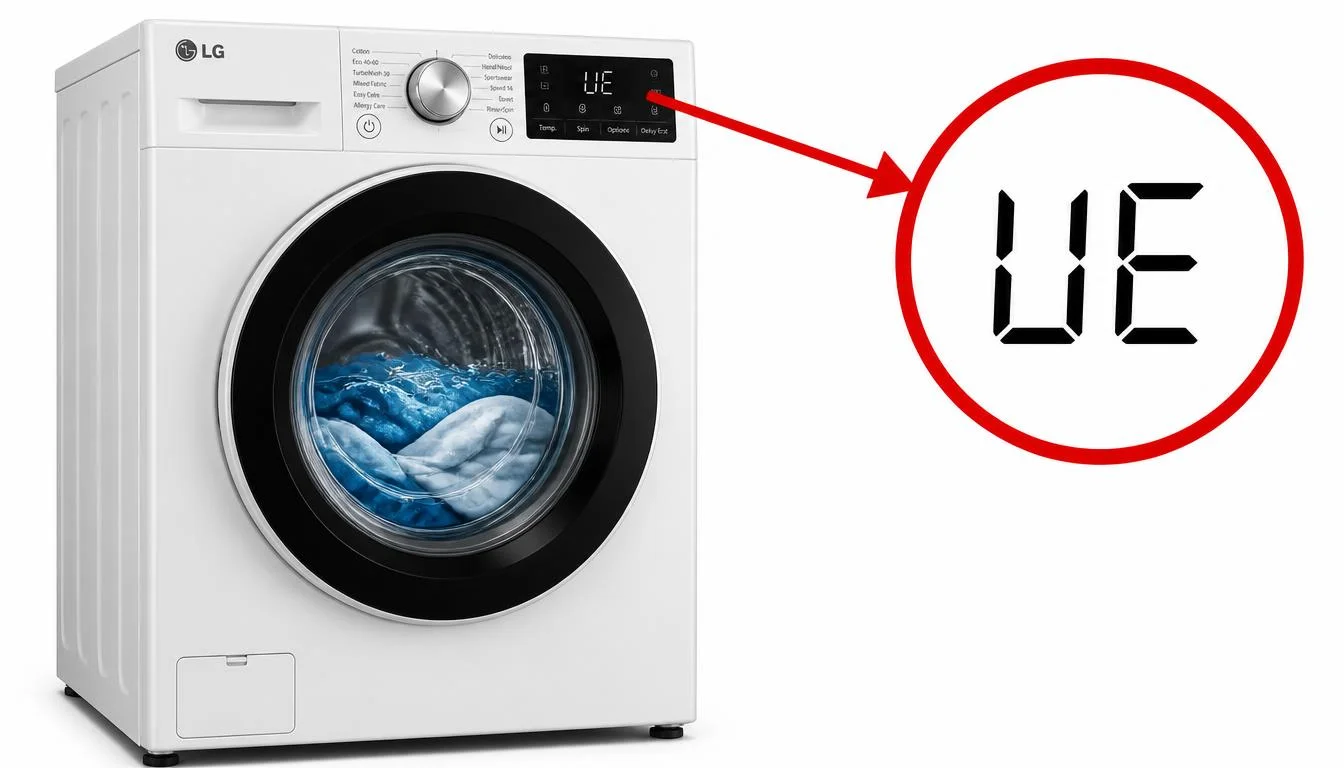
When the letters “UE” appear on the display panel of an LG washer, the machine is reporting that the laundry inside the drum is unbalanced. The LG washer UE error stands for Unbalanced Error, and it occurs when the laundry is piled up on one side of the drum, causing an imbalance despite the drum’s movements to evenly distribute the load. This issue can also arise if the volume of the laundry is either too large or too small, leading to an imbalance in weight distribution.
The LG washer UE error is one of the most common error codes reported by LG washer owners, and it is usually easy to resolve without a service call. The machine is designed to detect imbalance and to attempt to correct it automatically before displaying the error. Understanding what this code means and how to respond can help you complete your laundry quickly and avoid unnecessary service calls. This article explains exactly what the LG washer UE error indicates, what conditions trigger it, and the step-by-step procedures LG recommends to clear it. All information presented here is drawn from LG’s official troubleshooting documentation.
?What Does the LG Washer UE Error Mean
The LG washer UE error indicates that the washing machine has detected an unbalanced load inside the drum. The error appears when the laundry is not distributed evenly, causing the drum to become imbalanced during rotation. LG’s documentation explains that the UE error occurs when the laundry is piled up on one side of the drum, causing an imbalance, despite the drum’s movements to evenly distribute the load.
For top-load models, the same principle applies: a UE error message is an indicator that the washer has detected an unbalanced load. This code will display while the washer is attempting to rebalance the load by adding more water and redistributing the clothes within the tub. If the washer is unable to balance the load on its own after multiple attempts, the UE error appears and the cycle pauses until the user manually redistributes the clothes.
This is not a code that indicates a broken component. The LG washer UE error is a notification that the machine requires assistance in balancing the load, or that the load itself is not suitable for the selected cycle.
Common Causes of the LG Washer UE Error
The LG washer UE error can be triggered by several different conditions. LG’s documentation identifies three primary causes: laundry that is not distributed evenly in the drum, items that are not appropriate for machine washing, and an unlevel washer.
Uneven Laundry Distribution
The most common cause of the LG washer UE error is laundry that is not distributed evenly inside the drum. This can happen when a single heavy item, such as a blanket or a large towel, becomes stuck to one side of the drum during the spin cycle. It can also occur when the load is too small, allowing the items to cluster together, or when the load is too large, preventing proper movement and redistribution.
Incorrect Use of Laundry Nets
The incorrect use of a laundry net can also trigger the LG washer UE error. LG’s documentation notes that laundry is not distributed evenly in the drum due to, for example, the incorrect usage of a laundry net. It is advised to fill the net only up to 2/3 of its capacity, and to avoid washing a single laundry net by itself. It is recommended to wash two or three nets at a time along with some clothes.
Items Unsuitable for Machine Washing
Items that are not appropriate for machine washing can cause uneven weight distribution inside the drum and extend the duration of the spin cycle. LG advises that items such as pillows and cushions should have their stuffing removed, and only the cover should be washed. Machine washing items such as bathroom mats, carpets, electric blankets, curtains, and rubber mats may cause damage to the items and to the washer. Waterproof clothes and dolls may also damage the washer and should not be washed in the machine.
Unlevel Washer
An unlevel washer is another common cause of the LG washer UE error. LG’s documentation explains that a UE error may occur during spin-dry if the washer is not level. The washer vibrates during spin-dry due to the rotation of the drum, and if the machine is not properly leveled, this vibration can contribute to imbalance detection and trigger the error.
Load Size Issues
The volume of the laundry being either too large or too small can lead to an imbalance in weight distribution and trigger the LG washer UE error. The washer performs best when the load is about 2/3 of the drum capacity. When the drum is 2/3 full, the washer maintains balance and operates optimally. A load that is too small may not distribute properly, while a load that is too large may not have enough room to move and balance itself.
Step-by-Step Troubleshooting for the LG Washer UE Error
The following steps provide a systematic approach to addressing the LG washer UE error. Performing these steps in order helps identify and resolve the underlying cause.
Step 1: Pause and Redistribute the Laundry
The first and simplest action is to pause the washer and manually redistribute the load. LG’s documentation recommends pausing the washer, taking out the laundry, and distributing it evenly inside the drum. Ensure the laundry inside the drum is evenly spread out, then select an appropriate spin cycle for the load. This step directly addresses the most common cause of the LG washer UE error and often resolves the issue immediately.
If you see a UE error at the end of the cycle, it means the clothes are too wet. Rearrange the load to allow for proper spinning, then close the door and press the start/pause button. It may take a few moments before the washing machine begins to spin again.
Step 2: Adjust the Load Size
If redistributing the laundry does not resolve the LG washer UE error, the next step is to adjust the load size. LG recommends that the load be about 2/3 of the drum capacity for optimal balance and operation. If the load is too small, add one or two similar items or other smaller articles of clothes to help balance the load. If the load is too large, remove some items to allow proper movement and redistribution during the spin cycle.
Step 3: Check for Unsuitable Items
Inspect the load for items that are not appropriate for machine washing. LG advises against machine washing bathroom mats, carpets, electric blankets, curtains, and rubber mats, as these may cause damage to the items and to the washer. For blankets, use the Duvet cycle and choose medium for spin speed. For padded and down jackets, select the Sportswear cycle and choose medium for spin speed. Removing unsuitable items from the drum can prevent the LG washer UE error from recurring.
Step 4: Review Laundry Net Usage
If you are using a laundry net, check that it is being used correctly. LG advises choosing the right laundry net for the size and volume of the laundry, filling the net only up to 2/3 of its capacity, and avoiding washing a single laundry net by itself. It is recommended to wash two or three nets at a time along with some clothes. Incorrect use of the laundry net may result in damage to the laundry or washer and cause excessive imbalance.
Step 5: Check If the Washer Is Level
If the LG washer UE error persists after addressing the load, the next step is to check whether the washer is level. LG’s documentation recommends rocking the washer from the front, back, and side to check for unevenness. Using a wrench, adjust the height of the leg located in the direction the unit tilts. Ensure the legs are properly adjusted so that the washer sits level on the floor. An unlevel washer can cause vibration during spin-dry that contributes to imbalance detection and triggers the UE error.
Step 6: Run a Spin Only Cycle
If the washer is level and the load is properly distributed but the LG washer UE error still appears, run a Spin Only cycle to test whether the machine can spin without detecting an imbalance. This helps determine whether the issue is load-related or mechanical. If the Spin Only cycle completes successfully, the problem was likely the load. If the error returns during the Spin Only cycle with no laundry in the drum, the issue may require professional attention.
Quick Reference Table
| Situation | What It Means | What To Do |
|---|---|---|
| UE appears on the display | Unbalanced load detected | Pause and redistribute the laundry |
| Load is too small | Items cluster together | Add one or two similar items |
| Load is too large | Items cannot move freely | Remove some items to reduce load |
| Single heavy item in drum | Weight concentrated on one side | Add more items or wash separately |
| Blanket or duvet | Weight concentrated on one side | Use Duvet cycle with medium spin |
| Laundry net used incorrectly | Imbalance during spin | Fill net to 2/3 capacity; wash multiple nets |
| Washer not level | Vibration during spin-dry | Adjust legs with a wrench |
| UE persists after all steps | Mechanical issue may exist | Service is required |
Frequently Asked Questions
What does the LG washer UE error mean?
The UE error means your laundry is unbalanced. It occurs when the laundry is piled up on one side of the drum, causing an imbalance despite the drum’s movements to evenly distribute the load.
?Is the LG washer UE error a product defect
No. The UE error is a notification that the load is unbalanced. It is not a product failure or a defect. The machine is designed to detect imbalance and attempt to correct it before displaying the error.
?Can I fix the LG washer UE error myself
Yes, in most cases. The first step is to pause the washer and redistribute the laundry evenly inside the drum. If the load is too small, add one or two similar items. If the load is too large, remove some items. Check that the washer is level and that laundry nets are used correctly.
?Why does the UE error appear at the end of the cycle
If you see a UE error code at the end of the cycle, it means the clothes are too wet. Rearrange the load to allow for proper spinning, then close the door and press the start/pause button.
?What items should not be washed in an LG washer
LG advises against machine washing bathroom mats, carpets, electric blankets, curtains, rubber mats, waterproof clothes, and dolls. These items may cause damage to the items and to the washer.
?How full should the drum be to avoid the UE error
The washer performs best when the load is about 2/3 of the drum capacity. When the drum is 2/3 full, the washer maintains balance and operates optimally.
?How do I check if my washer is level
Rock the washer from the front, back, and side to check for unevenness. Using a wrench, adjust the height of the leg located in the direction the unit tilts. Ensure the legs are properly adjusted so that the washer sits level on the floor.
?What should I do if the UE error keeps appearing
If the error persists after redistributing the load, adjusting the load size, checking for unsuitable items, reviewing laundry net usage, and leveling the washer, the issue may require professional service. LG advises requesting service if the issue does not resolve.
When the LG Washer UE Error Requires Service
The troubleshooting steps described above address the most common causes of the LG washer UE error. However, if the error persists after redistributing the load, adjusting the load size, checking for unsuitable items, reviewing laundry net usage, and ensuring the washer is level, the issue may be more complex than a simple imbalance.
In such cases, the imbalance detection system itself may be malfunctioning, or there may be a mechanical issue with the drum suspension or the spin cycle components. If the UE error appears even with an empty drum or a properly balanced load, professional diagnosis and repair are required. Contacting LG support or scheduling a service appointment is the appropriate next step when the standard troubleshooting procedures do not resolve the LG washer UE error.
It is important not to continue running cycles repeatedly when the LG washer UE error persists. Continued operation with an unresolved imbalance can strain the drum suspension, the motor, and the control board, potentially leading to more significant damage over time. Addressing the issue promptly protects both the appliance and your home.
Preventing the LG Washer UE Error
While the LG washer UE error cannot always be prevented, certain habits reduce the likelihood of its occurrence. Loading the washer to about 2/3 of the drum capacity helps maintain balance and allows the machine to distribute the load properly during the spin cycle.
Avoiding the machine washing of items that are unsuitable, such as bathroom mats, carpets, electric blankets, curtains, rubber mats, waterproof clothes, and dolls, prevents uneven weight distribution and potential damage to the washer. When washing blankets, using the Duvet cycle with medium spin speed helps distribute the weight evenly. For padded and down jackets, using the Sportswear cycle with medium spin speed is recommended.
Using laundry nets correctly by filling them only to 2/3 of capacity and washing multiple nets at a time prevents imbalance caused by improper net usage. Periodically checking that the washer is level and adjusting the legs as needed ensures stable operation during spin-dry cycles.
By following these preventive practices, you can reduce the chance of encountering the LG washer UE error and help ensure that your washing machine completes its cycles without interruption.
